
Feature of GST Offline Invoice Creator:
|
1
|
You can be allowed to Trade discounts to your Customers charge in simple percentages and the amount will auto-calculate
|
|
2
|
Auto-generated and save the invoice in just one click
|
|
3
|
Auto-generated new invoice No.
|
|
4
|
Save the Invoice as a PDF in folders
|
|
5
|
Auto Detect type of Sale (Interstate or Intrastate) and charge the correct Type of GST i.e. IGST or CGST/SGST
|
|
6
|
Auto-detect the Rate of GST from the stock list.
|
|
7
|
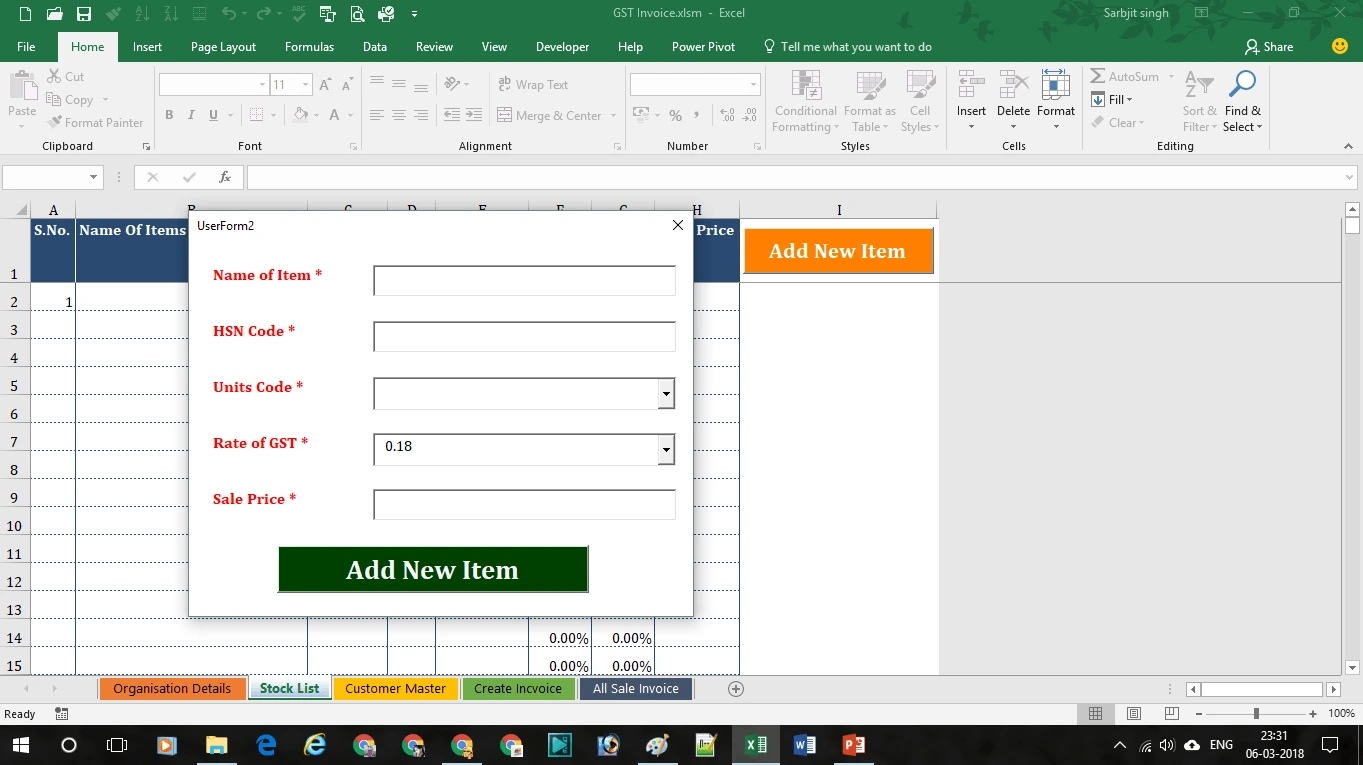
Maintained the list of stock. So, you don’t need to add stock items again and again while generating an invoice
|
|
8
|
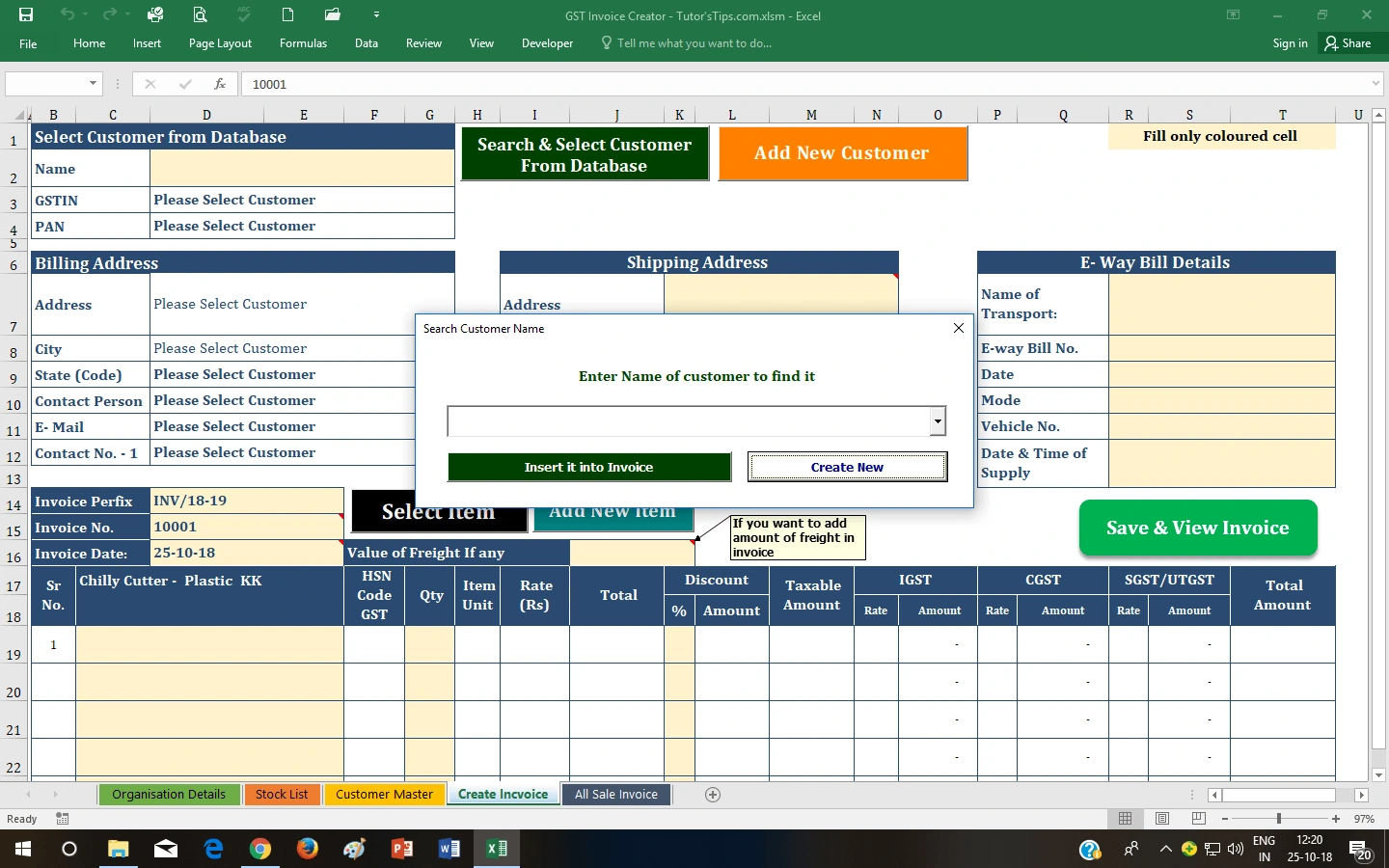
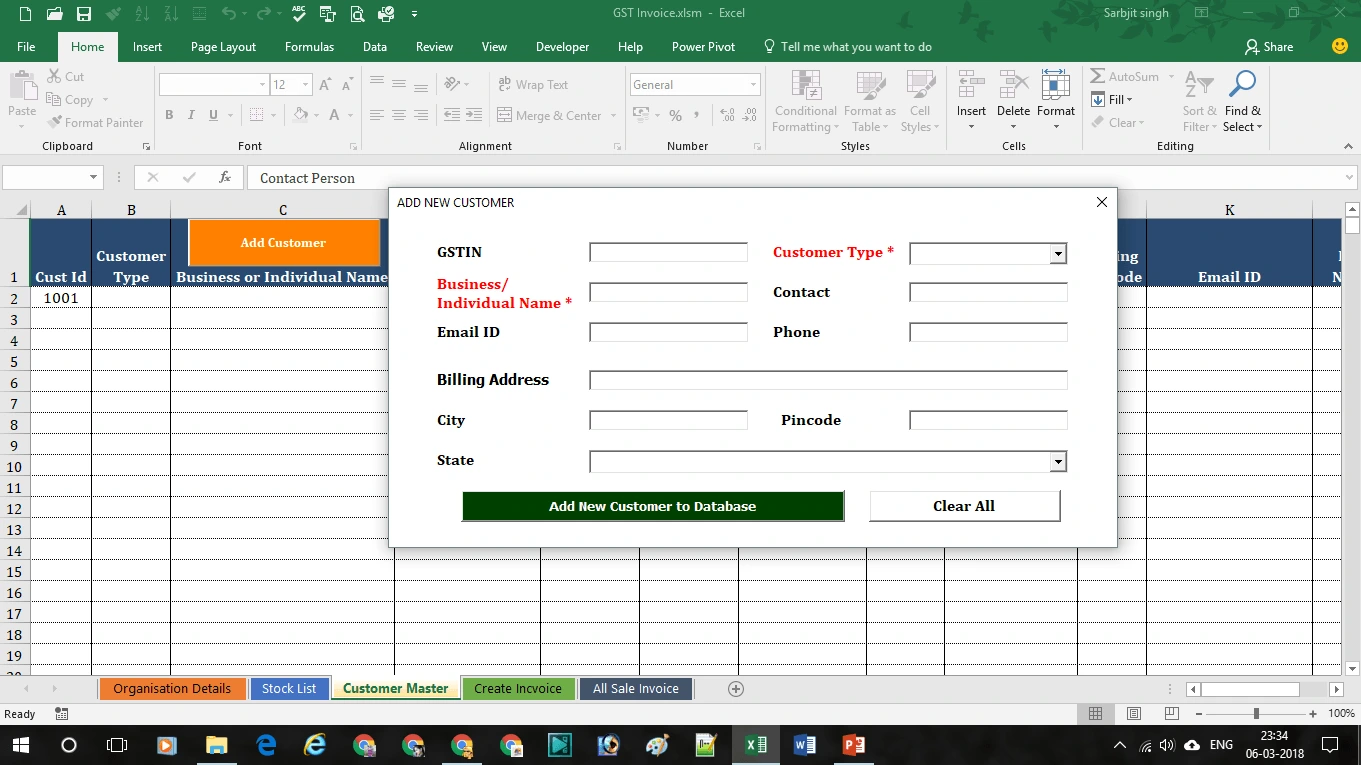
Maintained the list of Customers. Select from the list and generate the invoice
|
|
9
|
Upload Your Logo
|
|
10
|
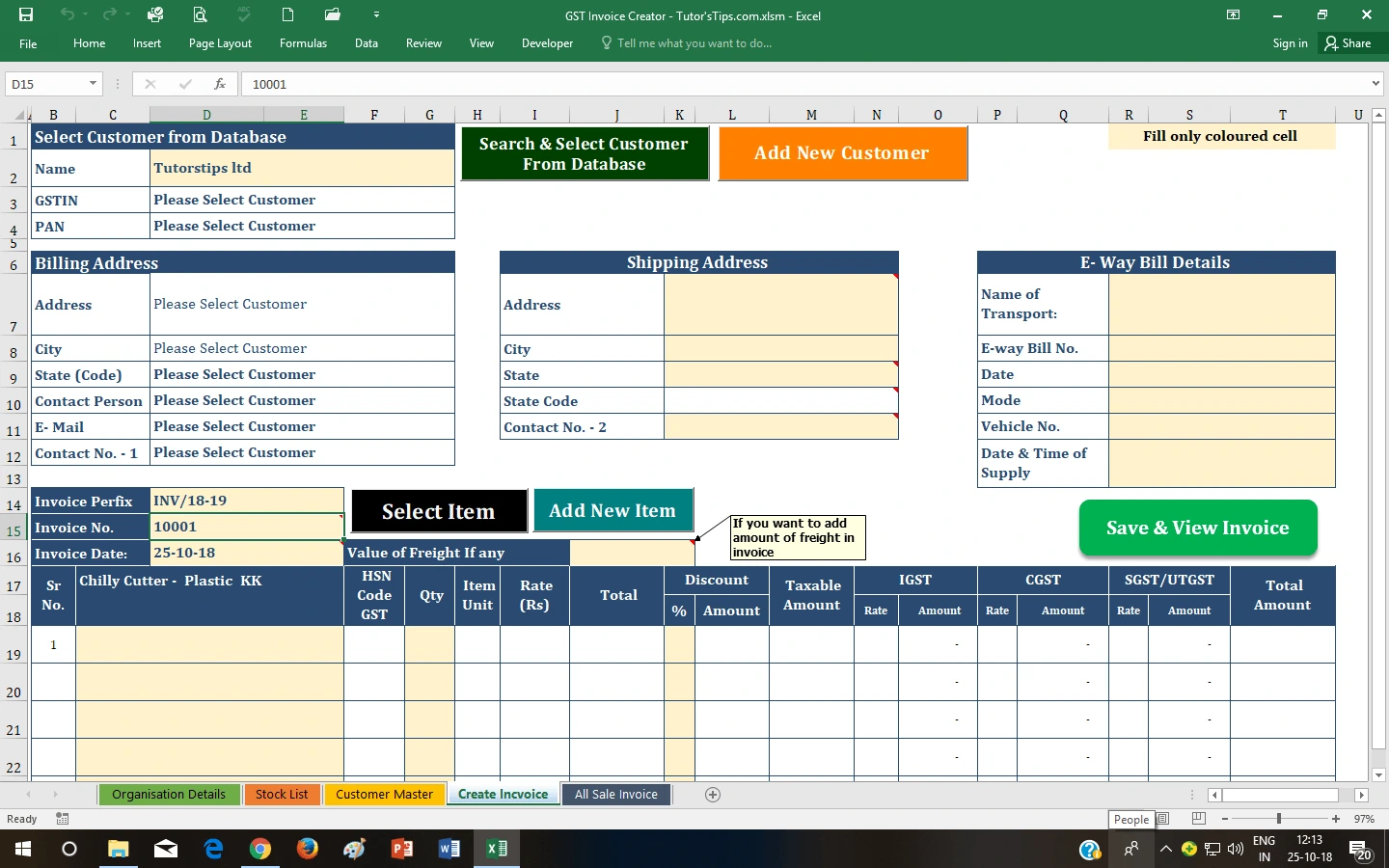
Add a different shipping address
|
|
11
|
Add E-way bill details
|
|
12
|
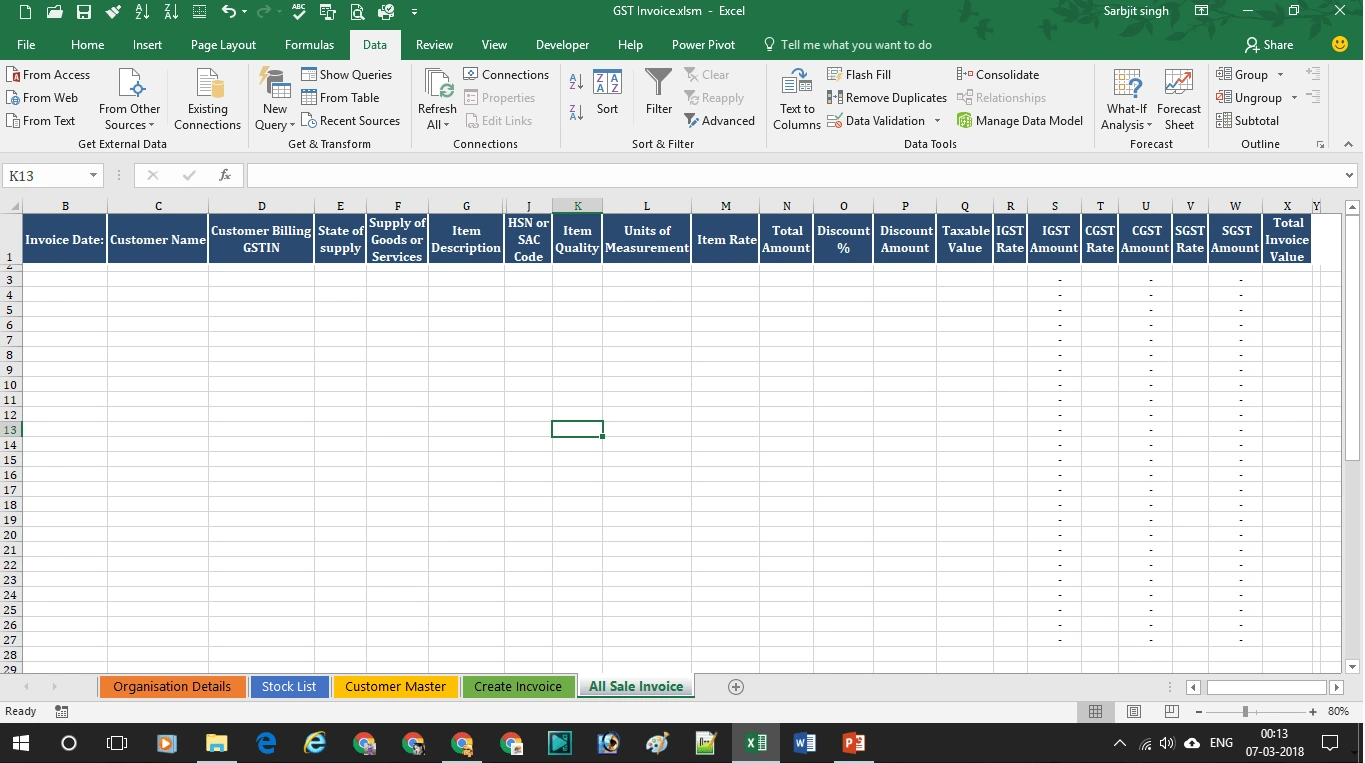
Auto-generate Summary for all sale
|
|
13
|
GST amount is shown Item with the rate of percentage
|
|
14
|
Generate Three Copies of the Invoice
-Customer Copy -Supplier Copy -Transported Copy |
|
15
|
Auto Round off the total amount
|
|
16
|
Show all amounts in rupee and paise with one click
|
|
17
|
Show all amounts only in rupees with one click
|
|
18
|
Auto-generated total invoice amount in words
|
|
19
|
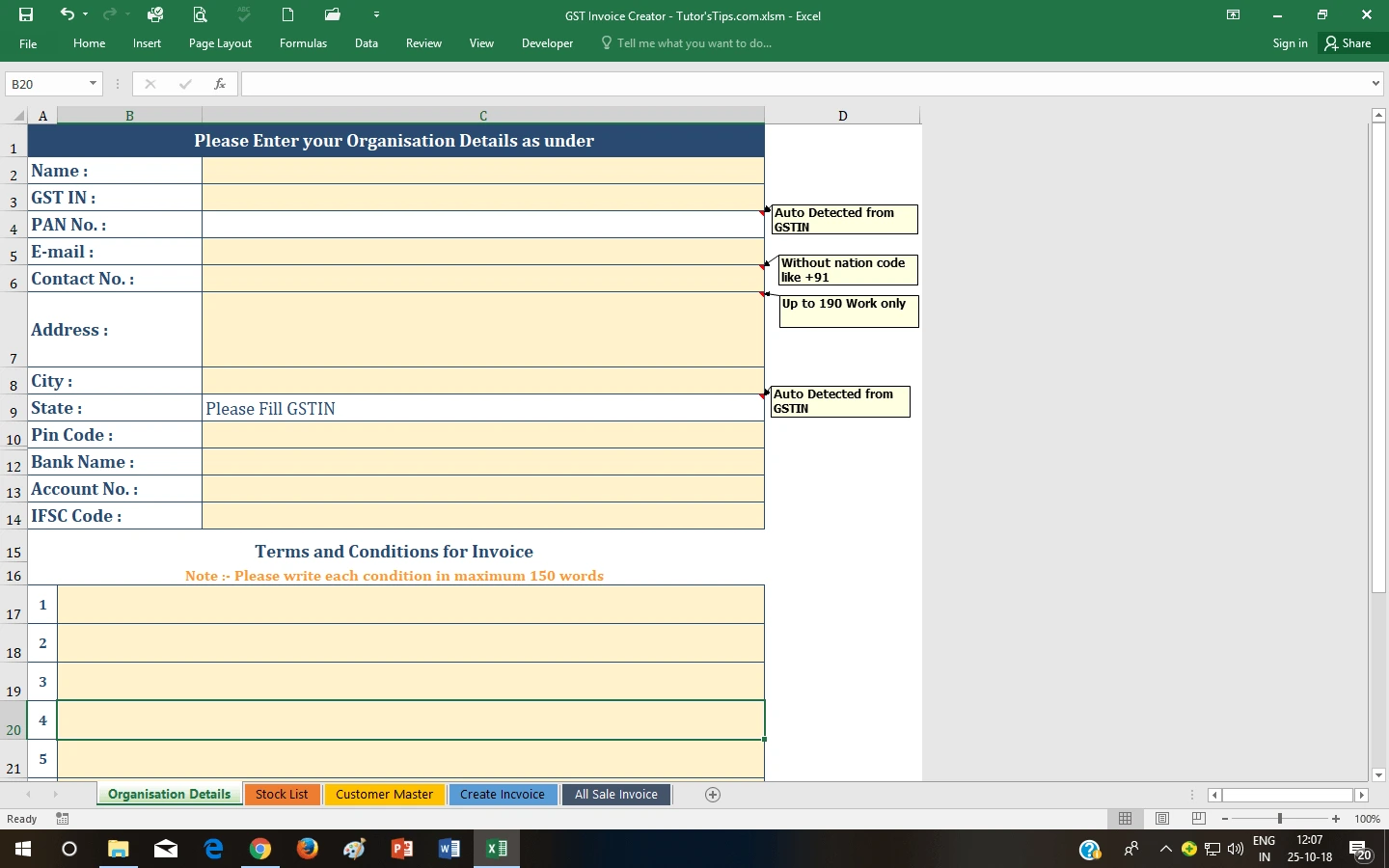
Add up to 10 Terms and conditions
|
|
20
|
You can add your bank details
|
|
21
|
Colorful invoice format
|
|
22
|
You can generate an invoice for up to 25 items
|
|
23
|
You can be allowed to Trade discounts to your Customers charge in simple percentages and the amount will auto-calculate
|
|
24
|
You can be allowed to Trade discounts to your Customers charge in simple percentages and the amount will auto-calculate
|
|
25
|
You can add Contact person Details i.e Name, Email, and Mobile No. in the customer list database
|
|
26
|
You can be allowed to Trade discounts to your Customers charge in simple percentages and the amount will auto-calculate
|
Reviews
There are no reviews yet.