
Download a Free Practice Worksheet for Excel
Grab an excel sheet for practice on any function covered on this site. Pick a topic below, open the tutorial, and work through the practice worksheet alongside it.
Basic Formula Practice Sheets
Start here if you are new to Excel formulas — each practice worksheet for Excel below covers a core building block.
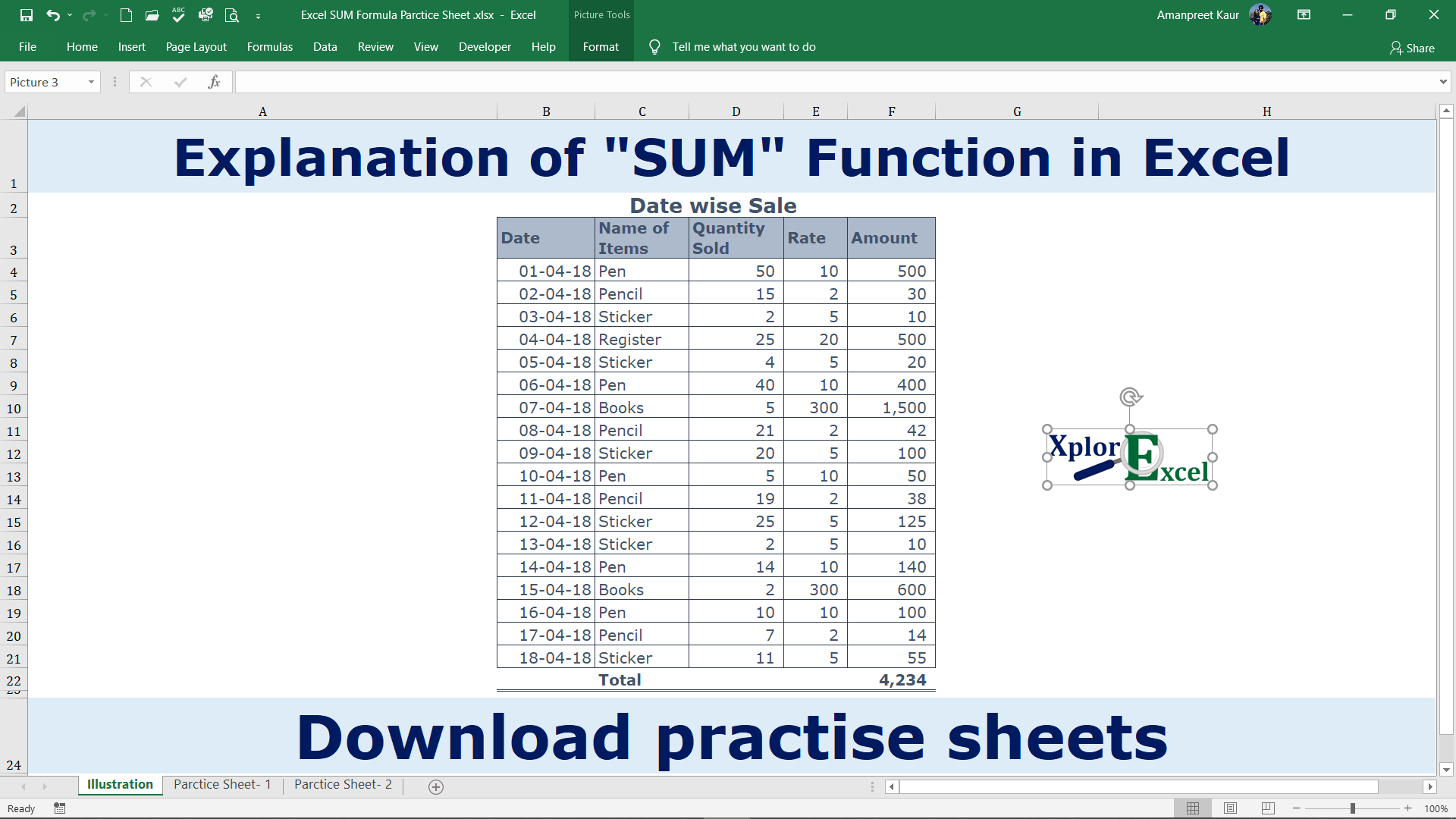
SUM
Add up a range of numbers with SUM, the first formula every Excel user learns.
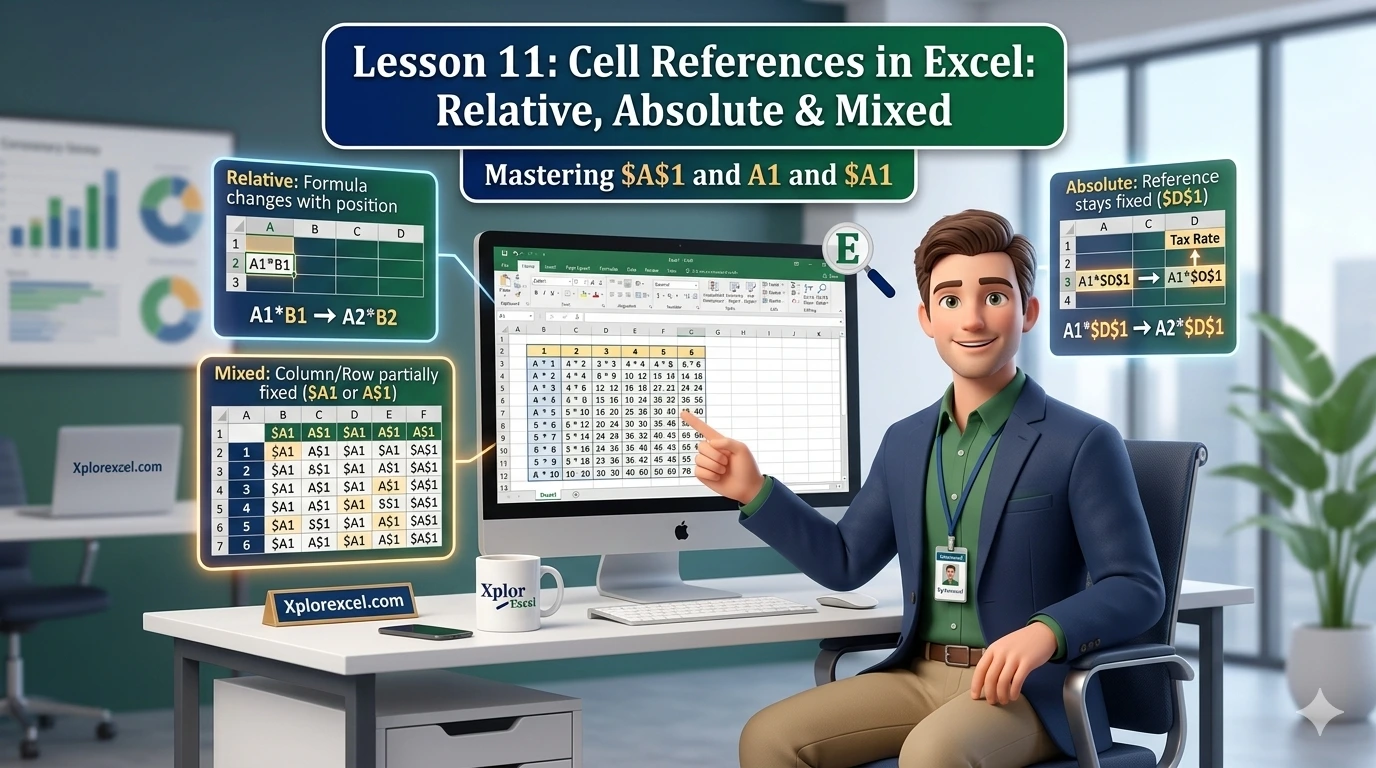
Cell References
Practise relative, absolute, and mixed cell references so your formulas copy down correctly.
Lookup Function Practice Sheets
The most-searched-for practice worksheets on this site. Download an excel sheet for practice on VLOOKUP, HLOOKUP, INDEX, MATCH or XLOOKUP.
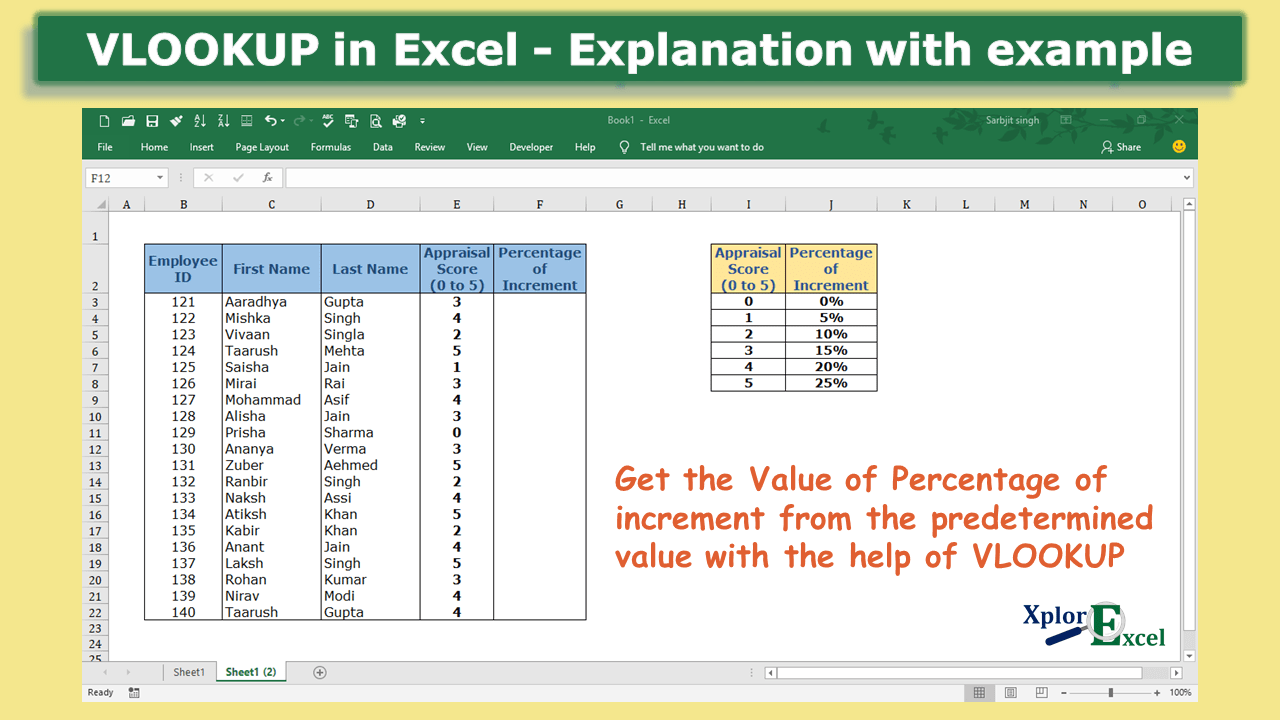
VLOOKUP
Pull matching data from another table using VLOOKUP, the most-asked-about Excel function.
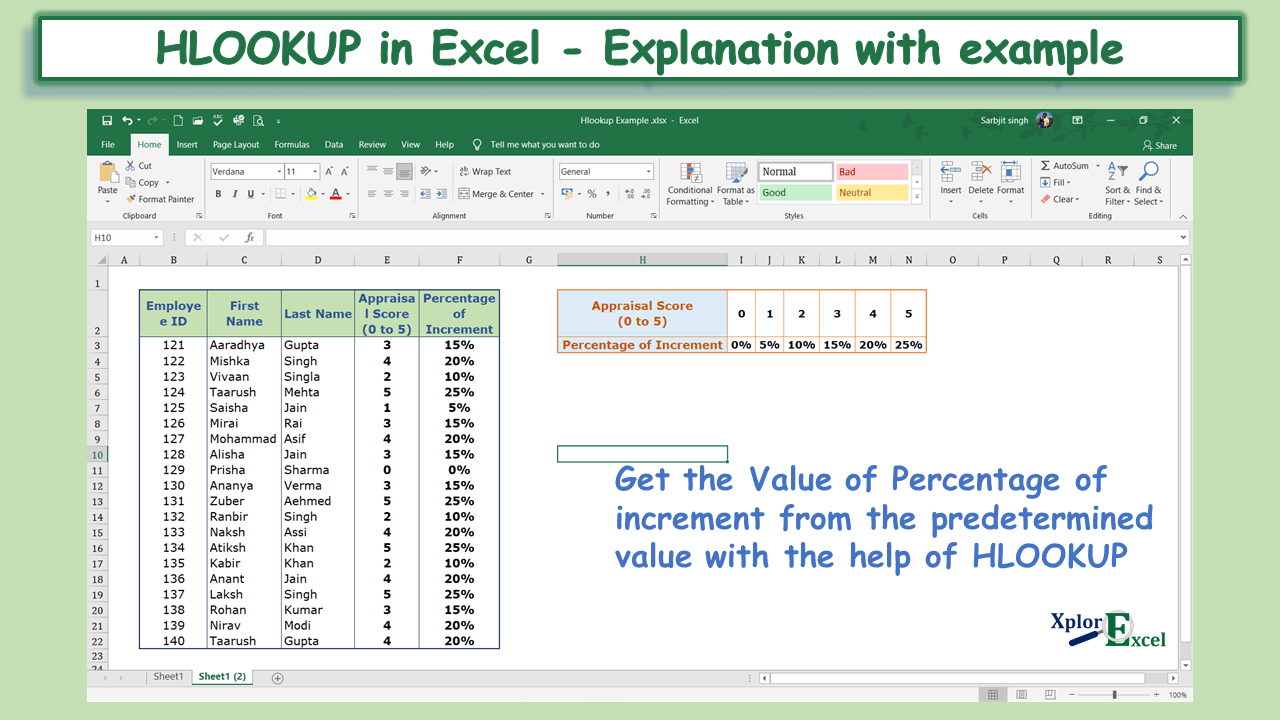
HLOOKUP
Look up values across rows instead of columns with HLOOKUP.
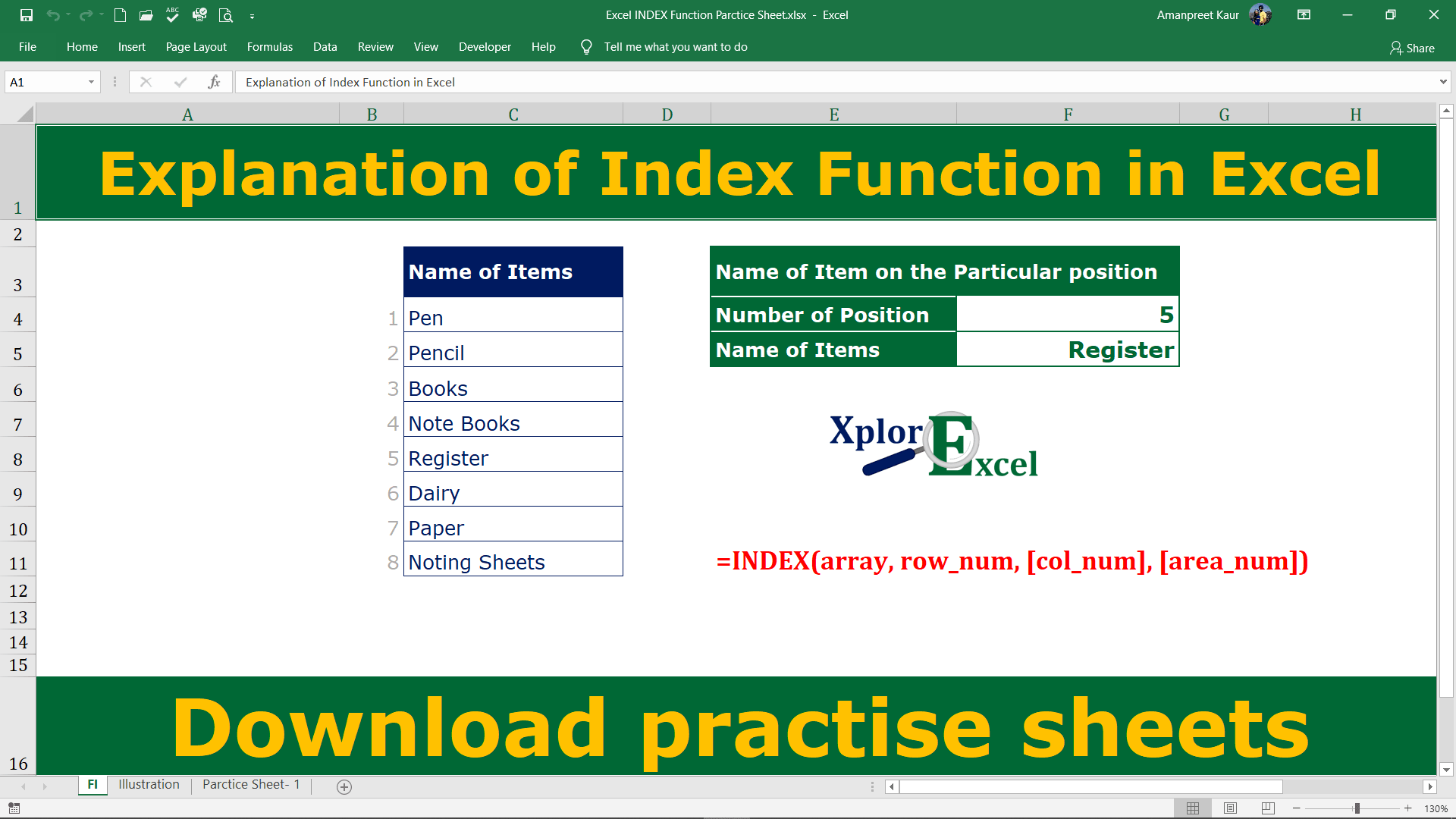
INDEX
Return a value from a specific position in a range using INDEX.
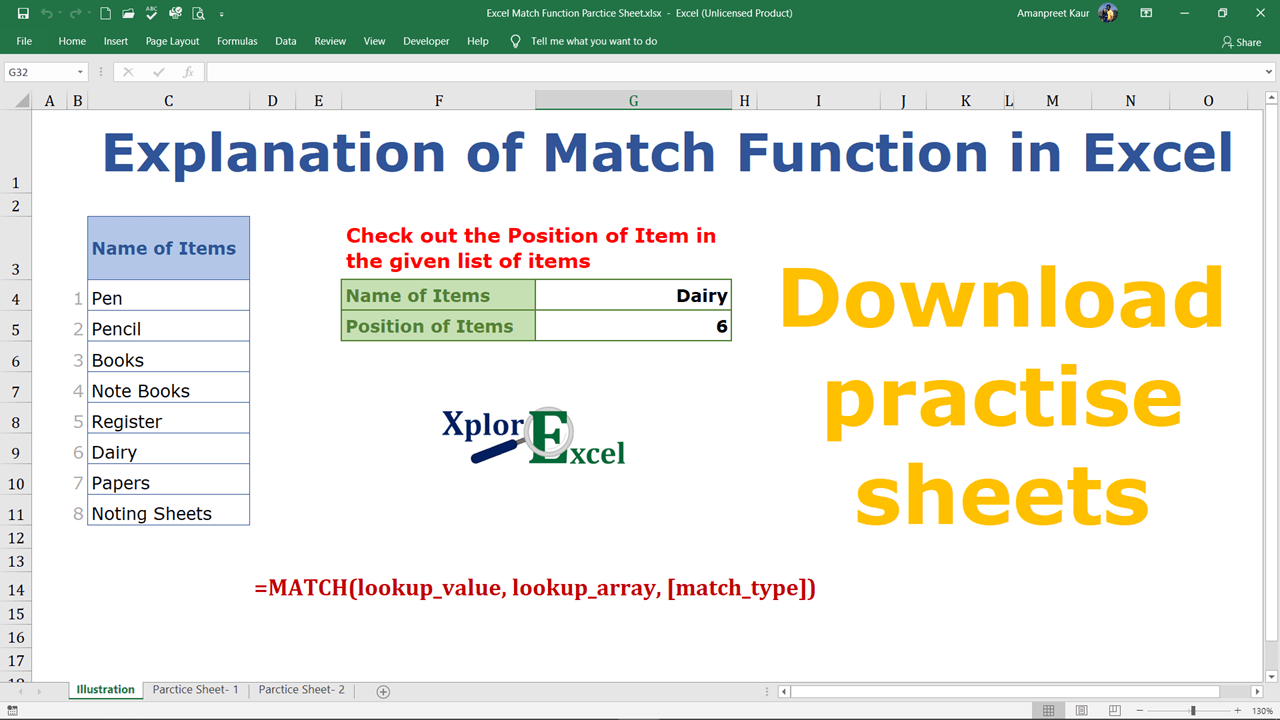
MATCH
Find the position of a value inside a range with MATCH, usually paired with INDEX.

XLOOKUP
Practise XLOOKUP, the modern replacement for VLOOKUP with fewer limitations.
Conditional Function Practice Sheets
Practice worksheets for the IF family and the COUNT/SUM conditional functions.
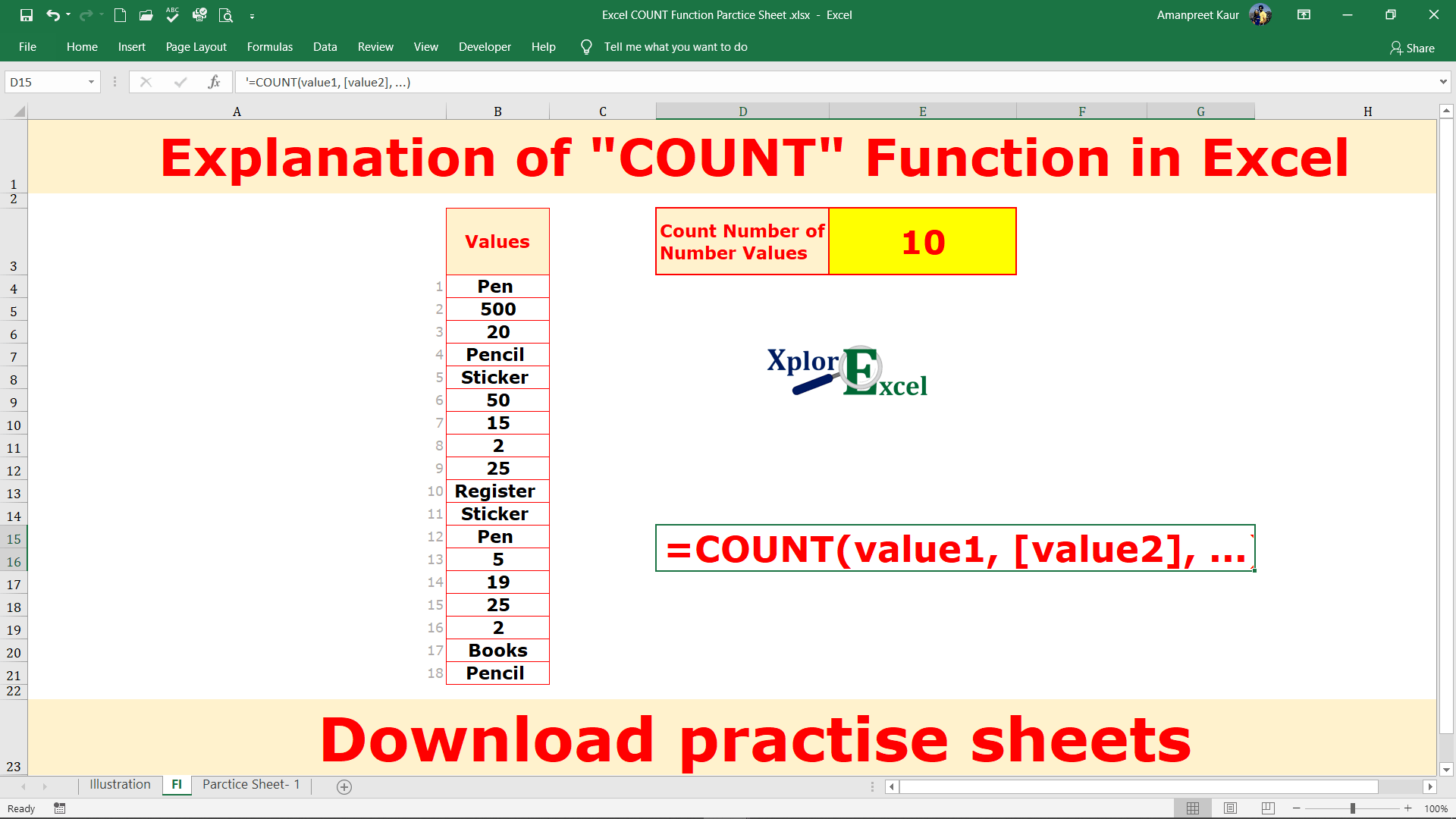
COUNT
Count how many cells in a range contain numbers.
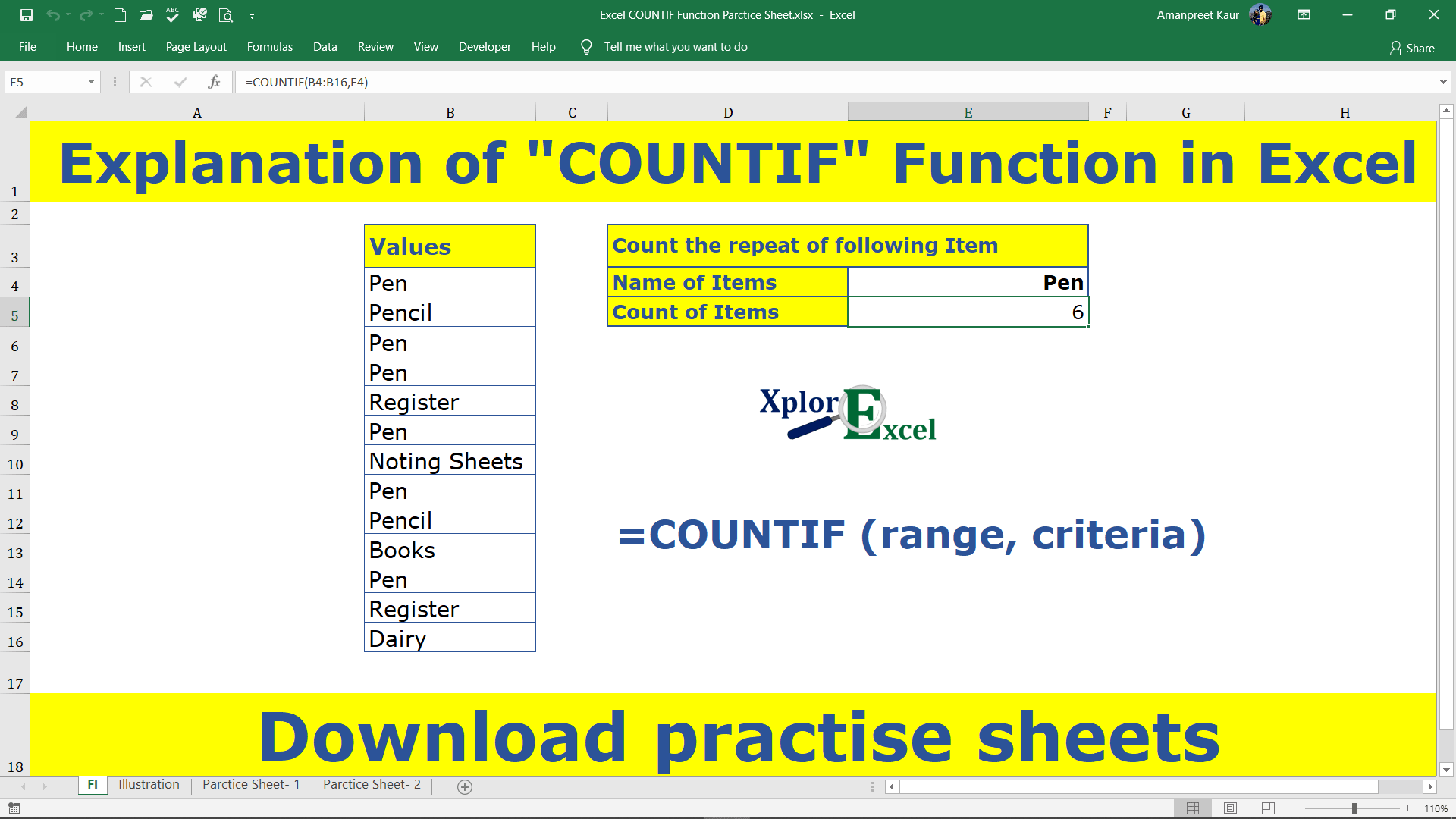
COUNTIF
Count cells that meet one condition with COUNTIF.
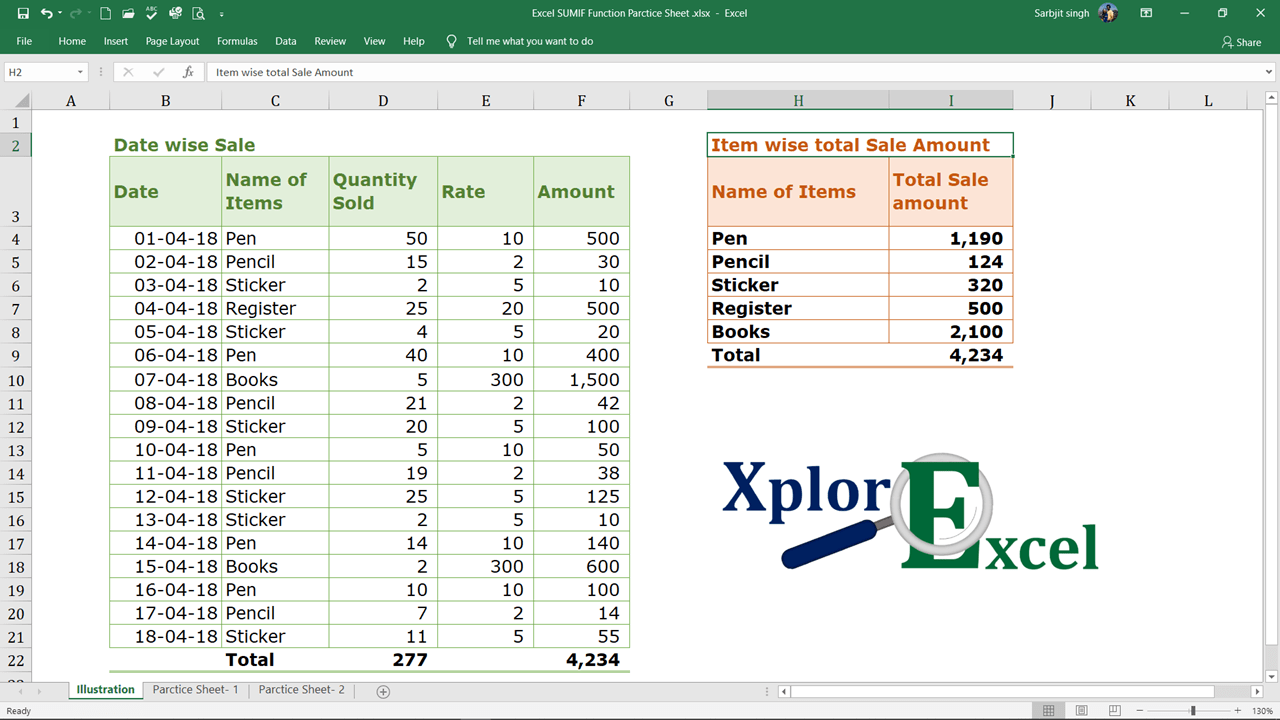
SUMIF
Add up values that meet one condition with SUMIF.
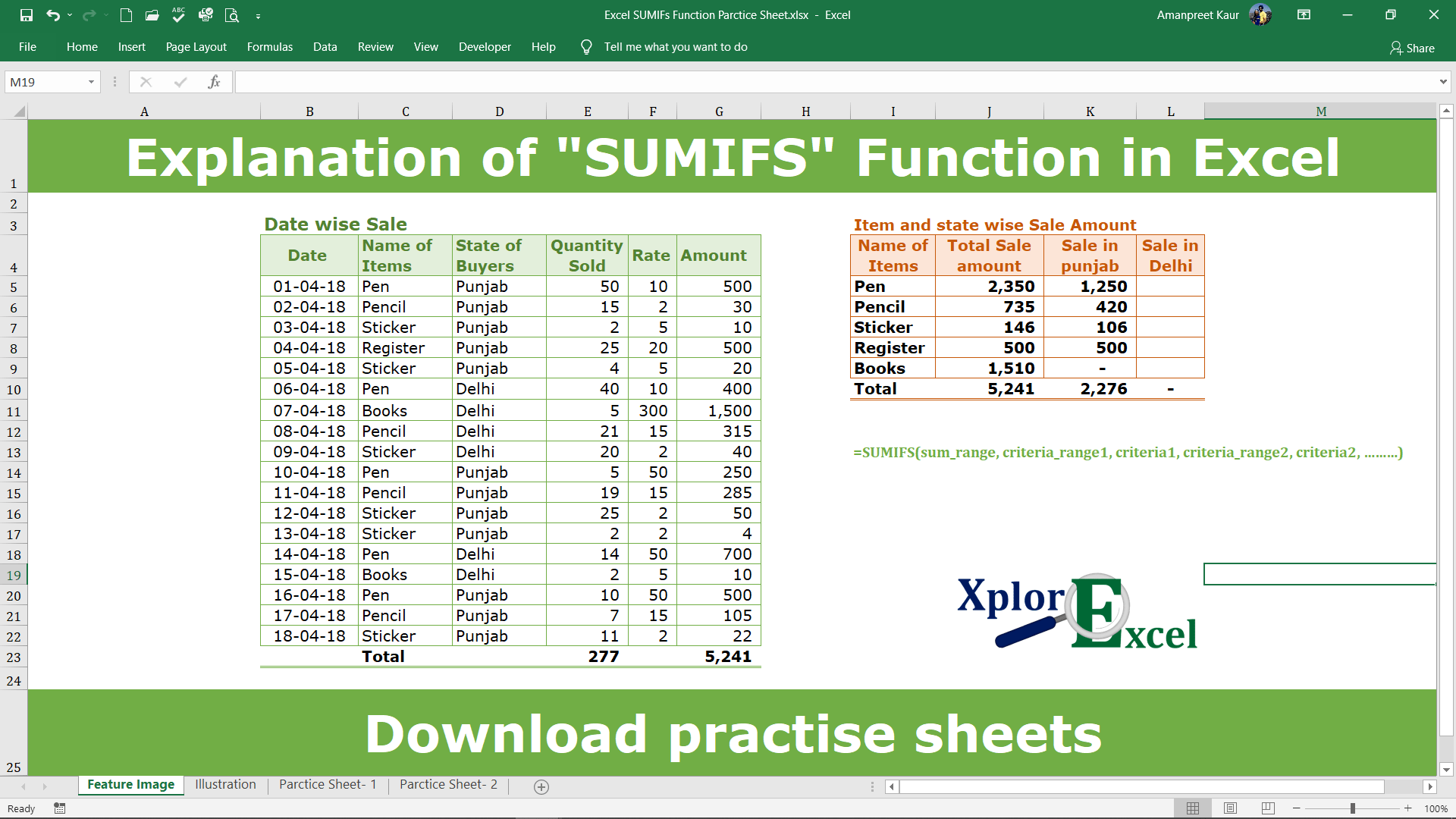
SUMIFS
Add up values that meet multiple conditions at once with SUMIFS.
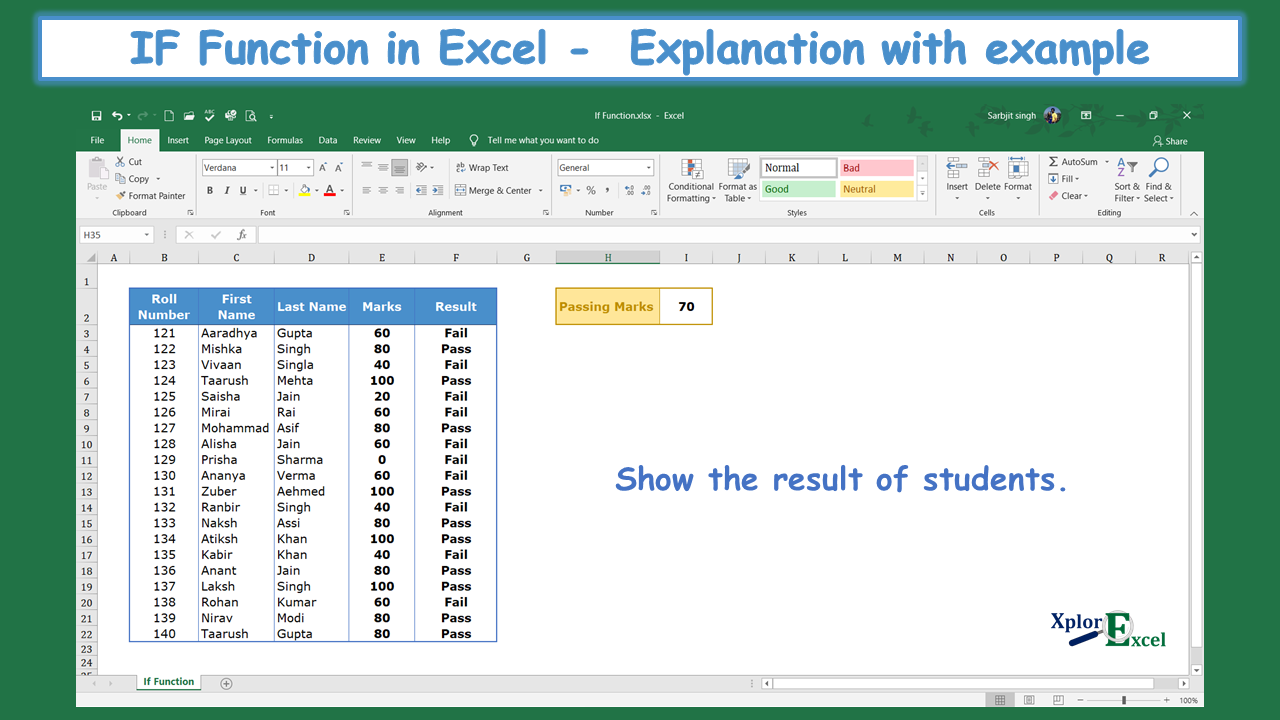
IF
Write your first logical test with IF, returning one value when true and another when false.
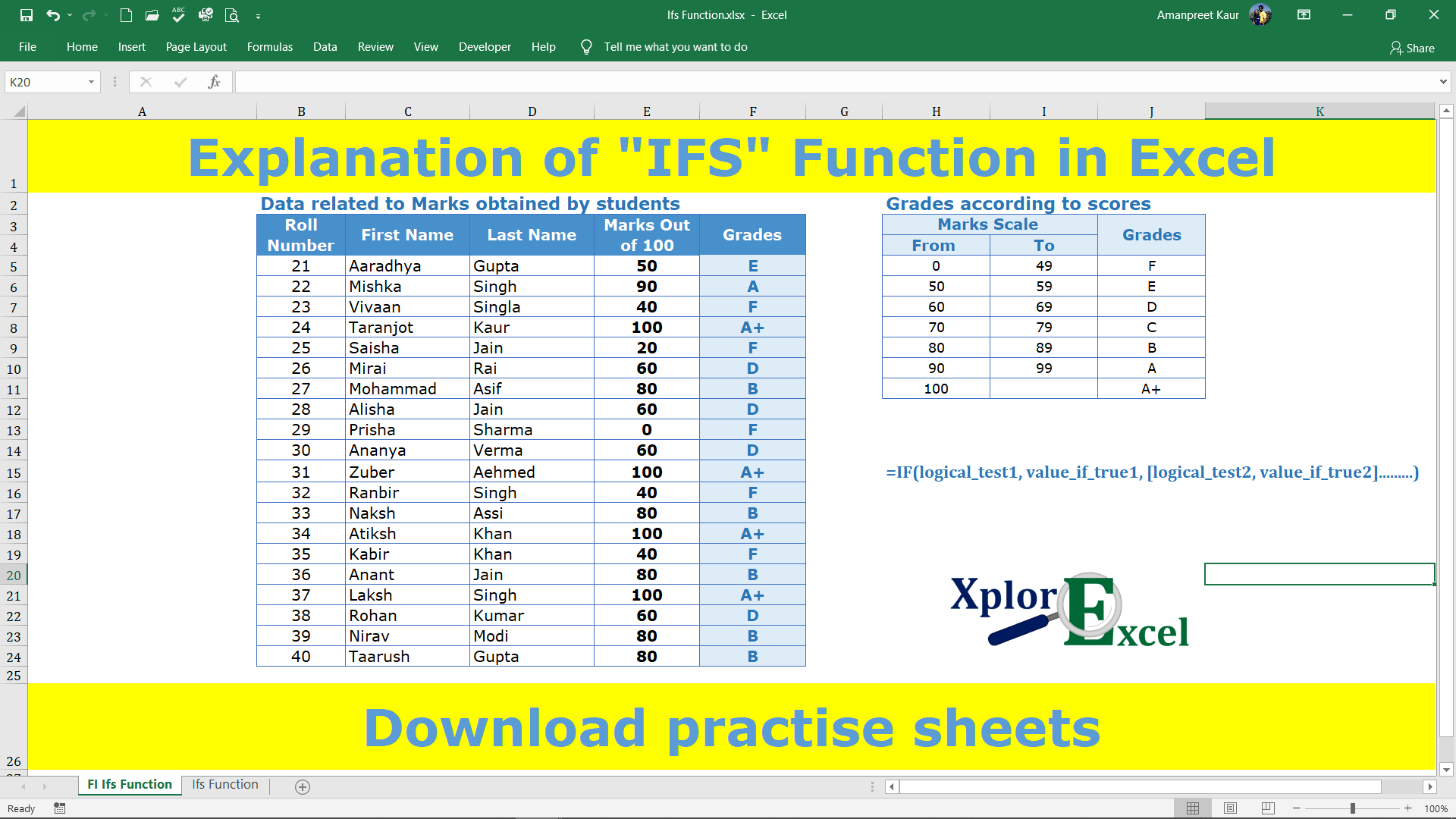
IFS
Test multiple conditions in one formula with IFS instead of nesting several IFs.

IFERROR
Catch formula errors and replace them with a value of your choice using IFERROR.

IFNA
Handle #N/A errors specifically, without masking other formula errors, using IFNA.
Text & Date Practice Sheets
Excel sheets for practice on cleaning, extracting, and calculating with text and dates.
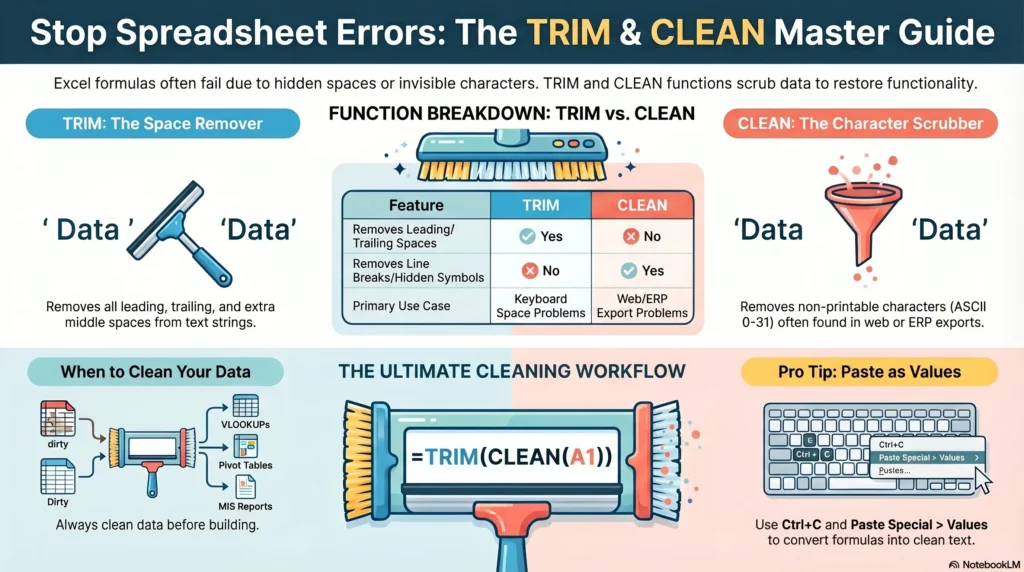
TRIM & CLEAN
Remove extra spaces and non-printing characters from messy data with TRIM and CLEAN.
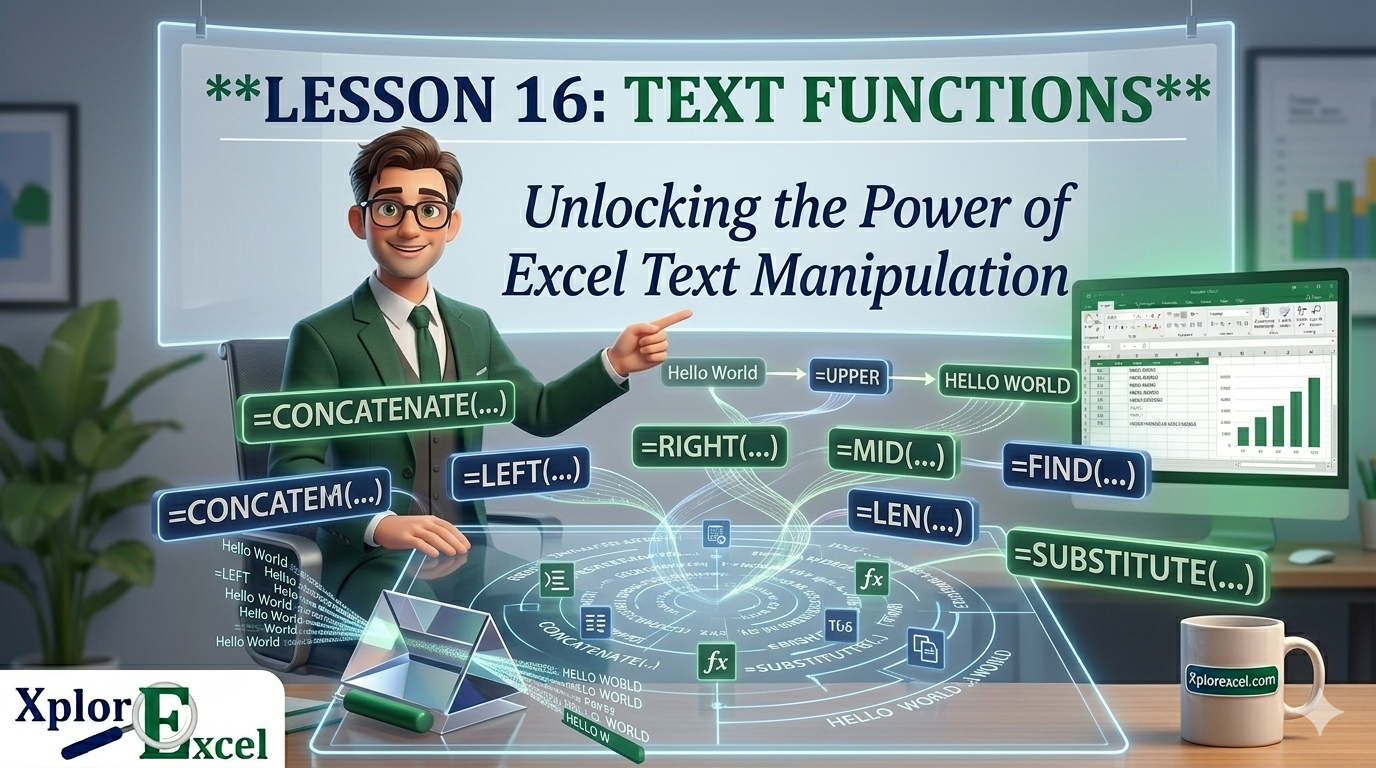
Text Functions
Practise LEFT, RIGHT, MID and other text functions to extract parts of a text string.
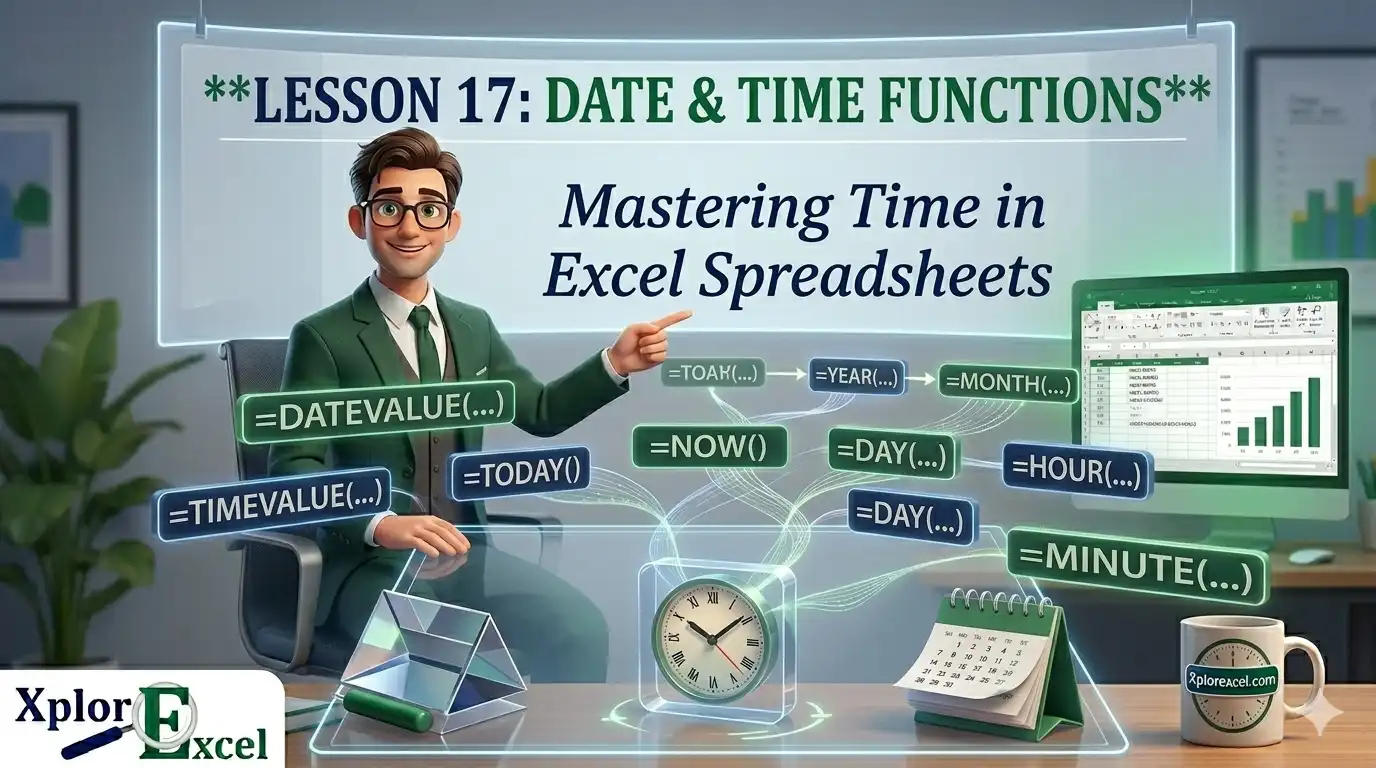
Date & Time
Work with TODAY, DATEDIF and other date functions to calculate durations and ages.
Advanced Excel Practice Sheets
Harder practice worksheets for Excel once you have the basics down.
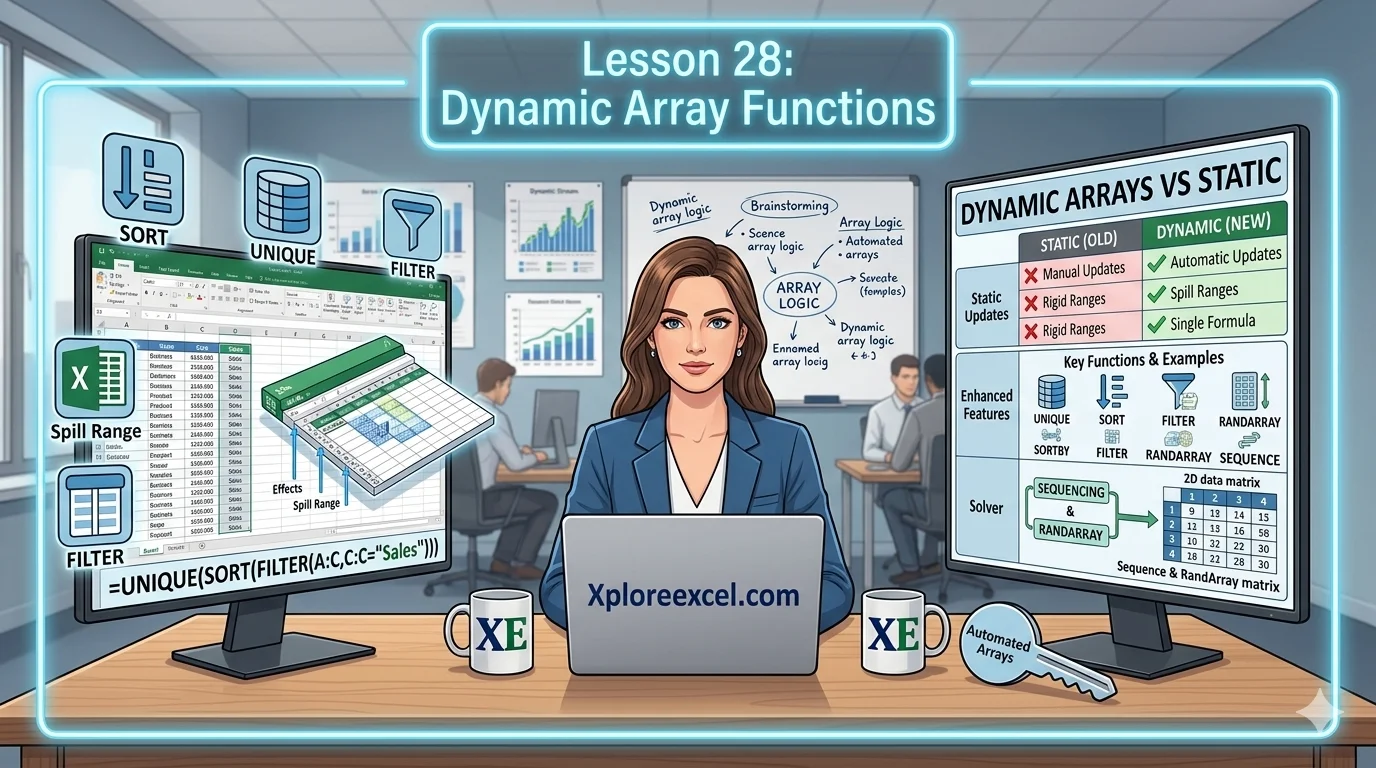
Dynamic Array Functions
Practise spill-range formulas like UNIQUE, SORT and FILTER that return multiple values at once.

Financial Functions
Work through PMT, NPV and IRR to calculate loan payments and investment returns.

Statistical Functions
Practise STDEV, PERCENTILE and other statistical functions on a real dataset.
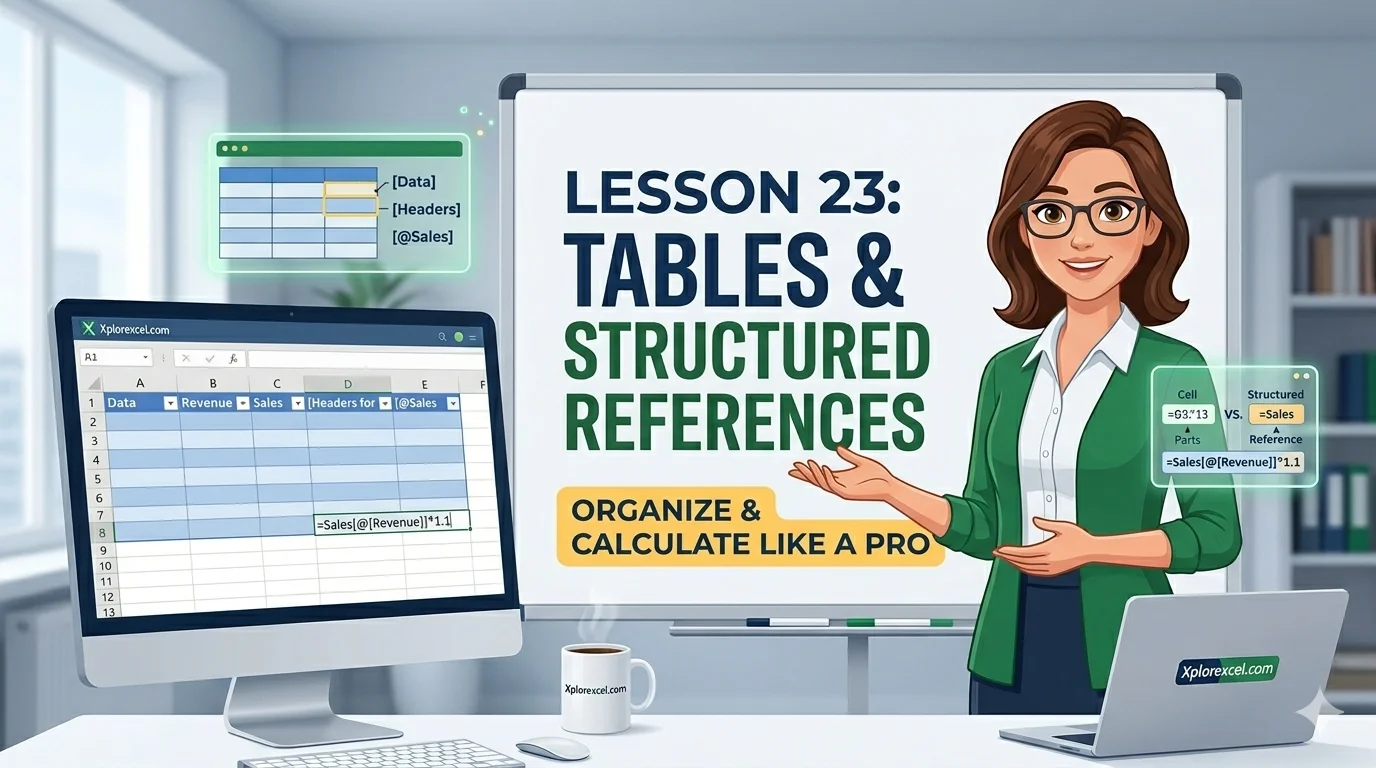
Tables & Structured References
Convert a range into an Excel Table and reference it with structured references instead of cell addresses.