
Quick answer: A rent collection register lists every tenant in a row and every month in a column. Each cell shows the rent received for that month. The rent due to date minus the rent received gives each tenant’s balance.
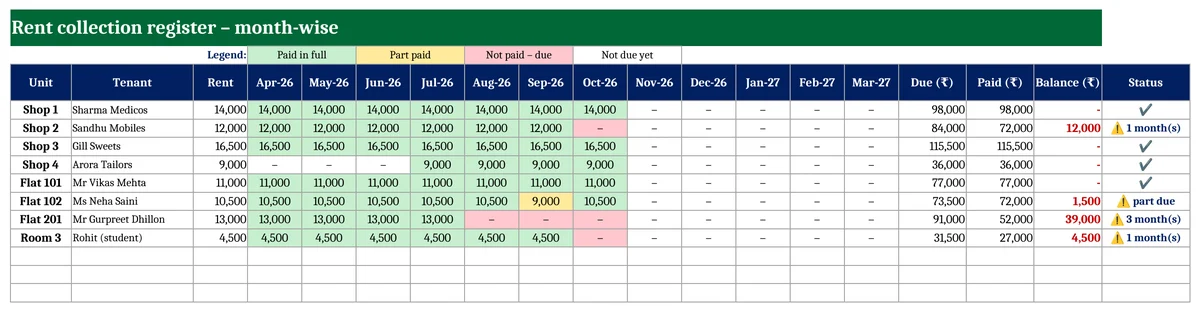
Download a free rent collection register in Excel below. You enter only the payments. The month-wise grid colours itself: green for paid, yellow for part paid and red for due.
Key takeaways
- Tenants sheet for up to 40 shops, flats or rooms, with rent, start date, security and due day.
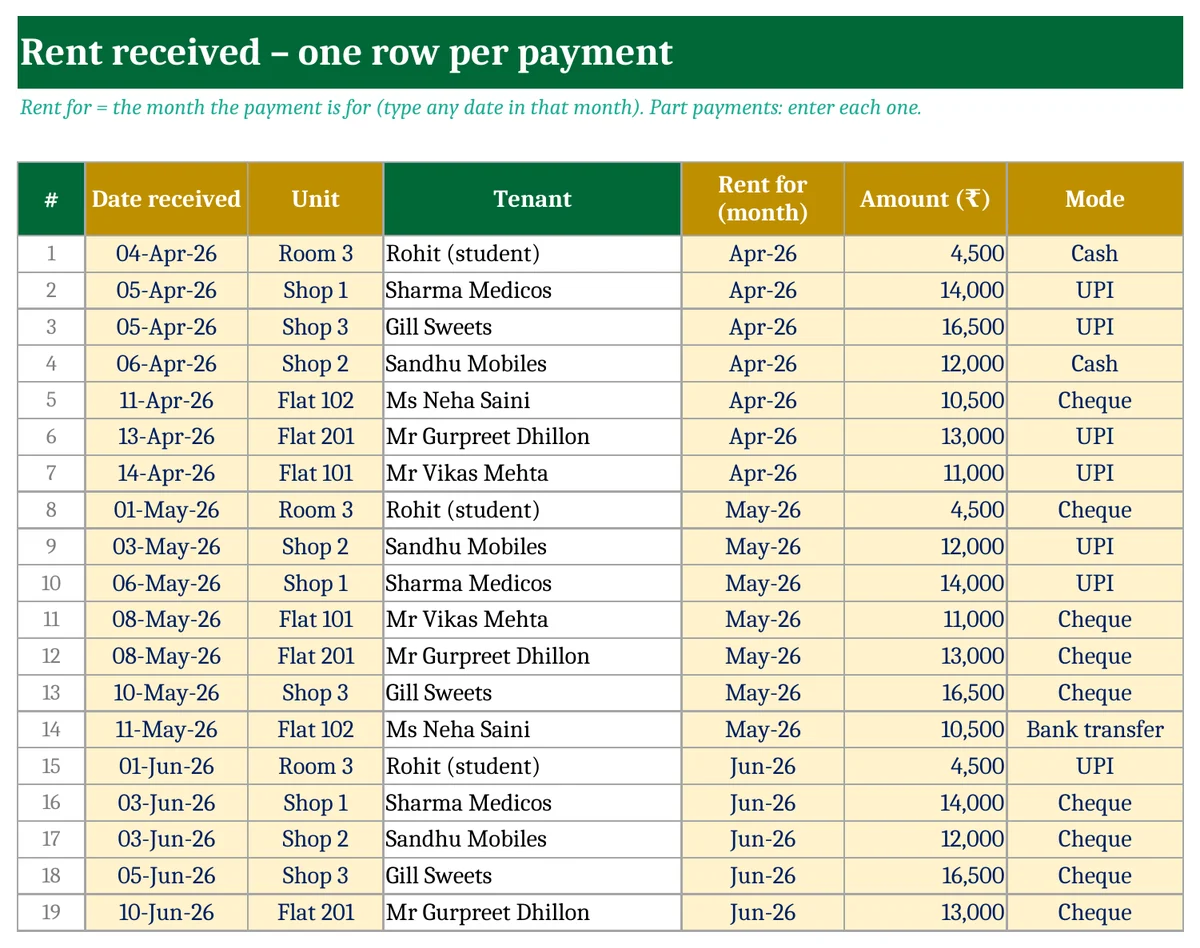
- Payments sheet: one line per payment, including part payments, with the month it is for.
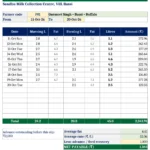
- Register grid for 12 months in colour.
- Due, paid and balance per tenant, with a status such as “3 month(s)”.
- Rent starts counting from the tenant’s start month.
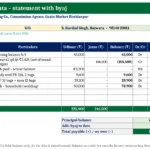
Rent received entry sheet
How to use the template
- Tenants: type the property name, the year start, the month dues are counted up to, and each unit with its tenant, rent and start date.
- Payments: each time rent comes in, add a line with the date, unit, month it is for, amount and mode.
- Register: see who has paid and who owes. Each month, move “Dues up to” forward on the Tenants sheet.
Tips for landlords
- Record the month the rent is for, not just the date it came. That stops arrears hiding in a later month.
- Give a receipt for every payment. Tenants claiming HRA will ask for it anyway.
- Follow up when a tenant owes one month, not three.
Download the free Rent Collection Register
There are three sheets: Tenants, Payments and Register. Fill in the yellow cells; everything else is worked out.
Get updates and new free templates
Your download below doesn’t need this. Leave your WhatsApp number or email and I’ll send you fixes for this file and new free templates. No spam, unsubscribe anytime.

Was this template useful?
Related free templates Free Excel files people download with this one
FAQs
What if the rent changes in the middle of the year?
This free register uses one rent per tenant. Add a new row for the new rent from the change month, or use XploreRent, which handles increases.
A tenant paid two months together. How do I enter it?
Enter two lines, one for each month, with the same date.
Can I use it for a PG or hostel?
Yes. Make one row per room or bed.
