
A cash book is where a shop or small business writes down every rupee that comes in and goes out in cash, so that the balance in the book always matches the cash in the drawer. This free cash book format in Excel does the adding for you: you type the date, the account and the amount, and it keeps the running balance, the month totals and a year report.
What is a cash book?
A cash book is a book of original entry for cash transactions only. Every cash receipt (sales, money received from customers, capital brought in) and every cash payment (rent, salaries, bills, purchases paid in cash) is recorded in date order. Because it records each transaction and also shows the cash balance, the cash book works as both a journal and the cash account in the ledger.
The balance of a cash book can only be zero or a debit balance (cash in hand). If your book ever shows less than zero, an entry is missing or wrong, because you cannot pay out more cash than you have.
Types of cash book
| Type | Columns on each side | Who uses it |
|---|---|---|
| Single column cash book | Cash amount only | Small shops and individuals who deal mostly in cash |
| Double column cash book | Cash and Bank | Businesses that also pay and receive by cheque, UPI or bank transfer |
| Triple column cash book | Discount, Cash and Bank | Traders who give or receive cash discount on payment |
| Petty cash book | Small expenses by head (tea, postage, travel) | Offices that give a fixed float to one person – see our petty cash book format in Excel |
Cash book format with a filled example
Here is one week of a small shop, written in the traditional two-sided format. Receipts go on the left (Dr) side and payments on the right (Cr) side.
| Dr – Date | Particulars | ₹ | Cr – Date | Particulars | ₹ |
|---|---|---|---|---|---|
| 1 Nov | To Balance b/d | 5,000 | 3 Nov | By Shop rent | 2,000 |
| 2 Nov | To Sales | 3,200 | 5 Nov | By Electricity bill | 850 |
| 4 Nov | To Ramesh (customer) | 1,500 | 6 Nov | By Bank (cash deposited) C | 4,000 |
| 7 Nov | To Sales | 2,100 | 7 Nov | By Balance c/d | 4,950 |
| Total | 11,800 | Total | 11,800 |
The closing balance of ₹4,950 is the cash that should be in the drawer on 7 November. It becomes the opening balance (“To Balance b/d”) of the next week. The “C” next to the bank deposit marks a contra entry: money moved between cash and bank, not earned or spent.
Most shop owners find a single-line layout easier to keep every day. It holds exactly the same information:
| Date | Particulars | Cash in | Cash out | Balance |
|---|---|---|---|---|
| 1 Nov | Opening balance | 5,000 | ||
| 2 Nov | Sales | 3,200 | 8,200 | |
| 3 Nov | Shop rent | 2,000 | 6,200 | |
| 4 Nov | Received from Ramesh | 1,500 | 7,700 | |
| 5 Nov | Electricity bill | 850 | 6,850 | |
| 6 Nov | Cash deposited in bank | 4,000 | 2,850 | |
| 7 Nov | Sales | 2,100 | 4,950 |
This is the layout the free template uses: you write each entry once, and the balance updates by itself.
How the balance is calculated in Excel
If the opening balance is in E2, cash in is in column C and cash out in column D, the running balance in E3 is:
=E2+C3-D3
Copy it down the column and each row shows the cash in hand after that entry. To get the month’s totals, use =SUM(C3:C100) for receipts and =SUM(D3:D100) for payments. To total one account head, such as all rent paid, use SUMIFS. The template already has these formulas built in, so you only type the entries.
What the free Cash Book Template 1.2 does
- Your accounting year, your way: 12 accounting-year options, so the year can start in any month (April–March for most Indian businesses).
- Month-wise sheets made for you: a separate sheet for each month, 16 sheets in all, with a colourful dashboard to jump to any month.
- Opening balance: enter the cash you start with once, and every balance after it is calculated.
- Dropdown account heads: pick the main account and sub-account from a list instead of typing them again and again.
- 5 income heads and 10 expense heads: each amount is added to its own head by itself.
- Totals at the top: total income, total expenses and the balance left are shown above the entries, so you don’t have to scroll down to find them.
- Year report: a separate sheet with the whole year’s figures.
- Currency symbol: choose ₹ or any other symbol.
- As many entries as you need: copy the last row with its format and paste it to add more rows.
- Works offline in Microsoft Excel. Use it for your shop or for personal cash.
How to use the cash book template
- Download Cash Book Template 1.2 below and open it in Excel. Click Enable Editing if Excel asks.
- On the first sheet, choose the month your accounting year starts and your currency symbol.
- Enter the opening cash balance.
- Open the month from the dashboard. For each transaction, enter the date, pick the account from the dropdown and type the amount as income or expense.
- At the end of each day, count the cash in the drawer and check it matches the balance shown. If it doesn’t, look for a missed or double entry the same day, while you still remember.
- At month end, check the month totals. At year end, open the year report.
Cash book, petty cash book or income & expense tracker?
- Cash book (this template): all cash coming in and going out of the business, with the balance in hand.
- Petty cash book: only small day-to-day expenses paid from a fixed float (imprest), usually kept by one staff member.
- Income and expense tracker: for home or personal budgeting, to see where the month’s money went.
- Bank reconciliation: when your bank column doesn’t match the passbook, use the bank reconciliation statement format.
Download the Cash Book Template
 Download – Cash Book Template 1.2 – Free Dynamic Excel workbook
- Includes 12 Types of Accounting Year – Start from any month of the year
Download – Cash Book Template 1.1 – Free Dynamic Excel workbook
- Now you can choose your currency symbol
Download – Cash Book Template 1.0 – Free Dynamic Excel workbook
- All-new Template
FAQs
Is the cash book a journal or a ledger?
Both. It is a book of original entry like a journal, and its balance is the cash account, so a separate cash account in the ledger is not needed.
Can a cash book have a credit balance?
No. Cash paid can never be more than cash available, so the cash column always shows zero or a debit balance. A credit (negative) balance means an entry is wrong or missing. (The bank column of a double column cash book can show a credit balance if you have an overdraft.)
What is a contra entry in a cash book?
An entry that affects both the cash and bank columns, such as depositing cash into the bank or withdrawing cash for office use. It is written on both sides and marked “C”.
Is this cash book template free?
Yes. Version 1.2 is free to download and use for your business or personal cash. Older versions 1.1 and 1.0 are also in the download section.
Does it make GST bills or a balance sheet?
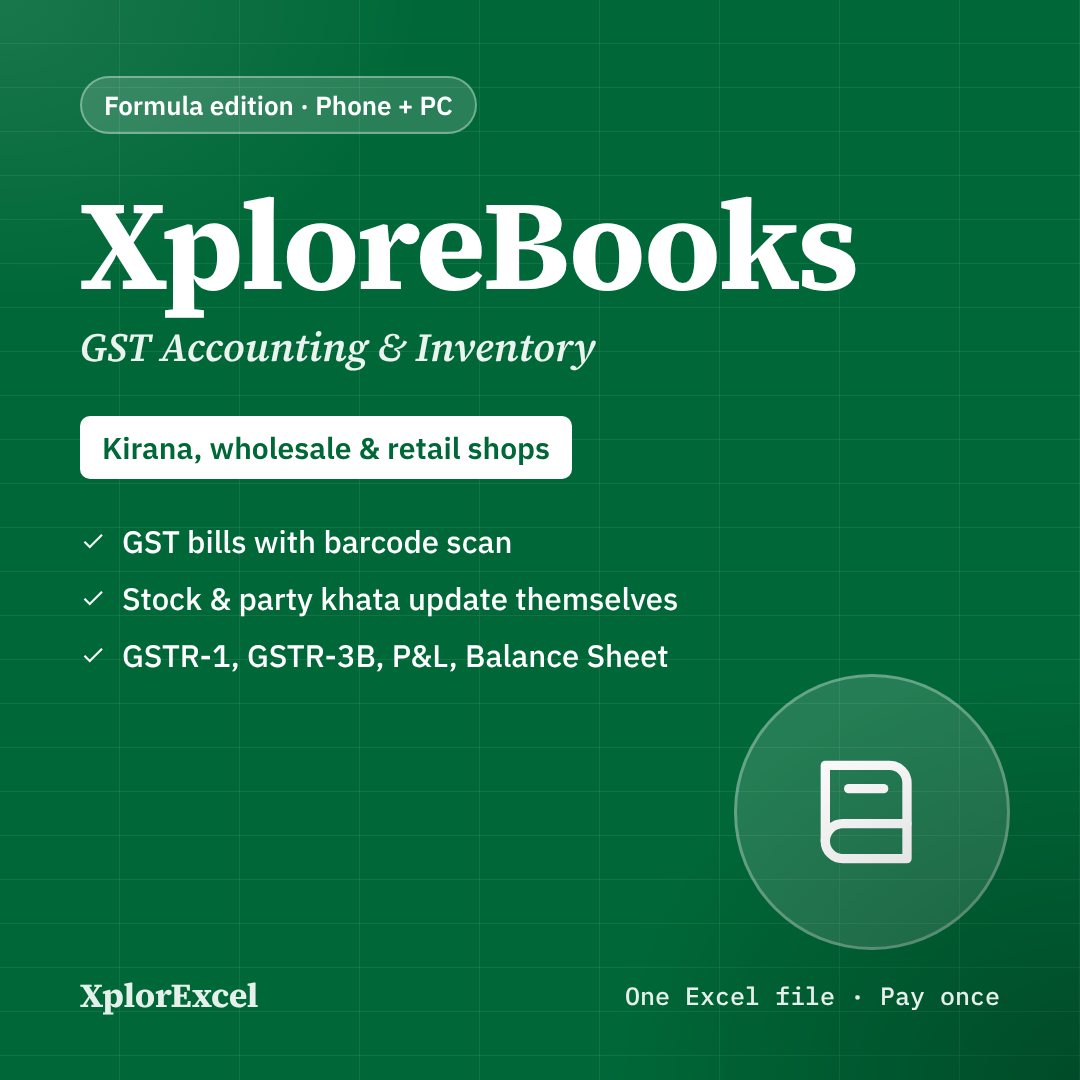
No, it is a cash book only. If you also need GST bills, stock, party khata, GSTR-1/3B and a balance sheet in one Excel file, see XploreBooks.
Get updates and new free templates
Your download below doesn’t need this. Leave your WhatsApp number or email and I’ll send you fixes for this file and new free templates. No spam, unsubscribe anytime.
Was this template useful?
Related free templates Free Excel files people download with this one