




What the macro edition adds
- Easy fill-in forms with buttons on a Windows computer
- A Data Entry page with every form one click away (Ctrl + Shift + E)
- A Find box in every form to edit old entries
- Includes the formula-only copy for the Excel app on Android and iPhone
Needs: Microsoft Excel on Windows (2016, 2019, 2021 or Microsoft 365) for the forms and buttons. The forms do not run on Mac, Excel Online or Google Sheets — use the included .xlsx copy there.
First time: right-click the .xlsm file → Properties → tick “Unblock” → OK, then click “Enable Content” when it opens.
Digital file, so no refunds — but if the file doesn’t work for you, we’ll fix it.
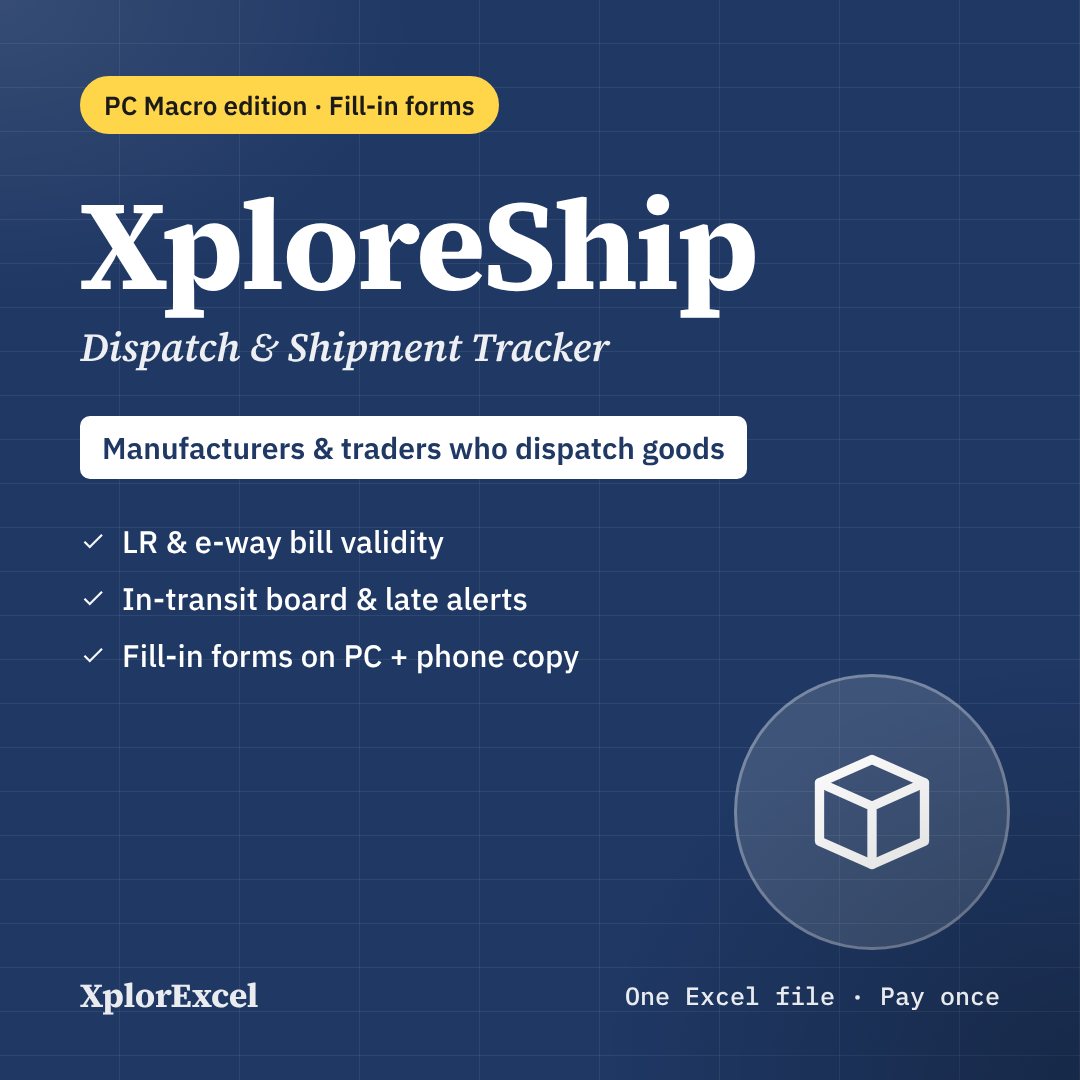
Everything in XploreShip
XploreShip tracks every consignment you send from dispatch to proof of delivery, in one Excel file. It is made for manufacturers, traders and distributors who send goods through transporters. Enter each dispatch once and the file shows:
- when the goods should arrive
- when the e-way bill runs out
- which shipments are late
- which PODs are still missing
- how much freight you owe each transporter
- which transporter is actually on time
There’s no software subscription, and it works offline.
What you can do with it
- Keep a shipment register, one row per consignment. The dispatch no., expected delivery date, e-way bill valid-till date, days late and a status note fill in automatically.
- Use the in-transit board: everything on the way, earliest expected first. Late shipments and expired e-way bills show in red. One click sends a WhatsApp to the transporter asking for status, or tells your customer the goods are on the way.
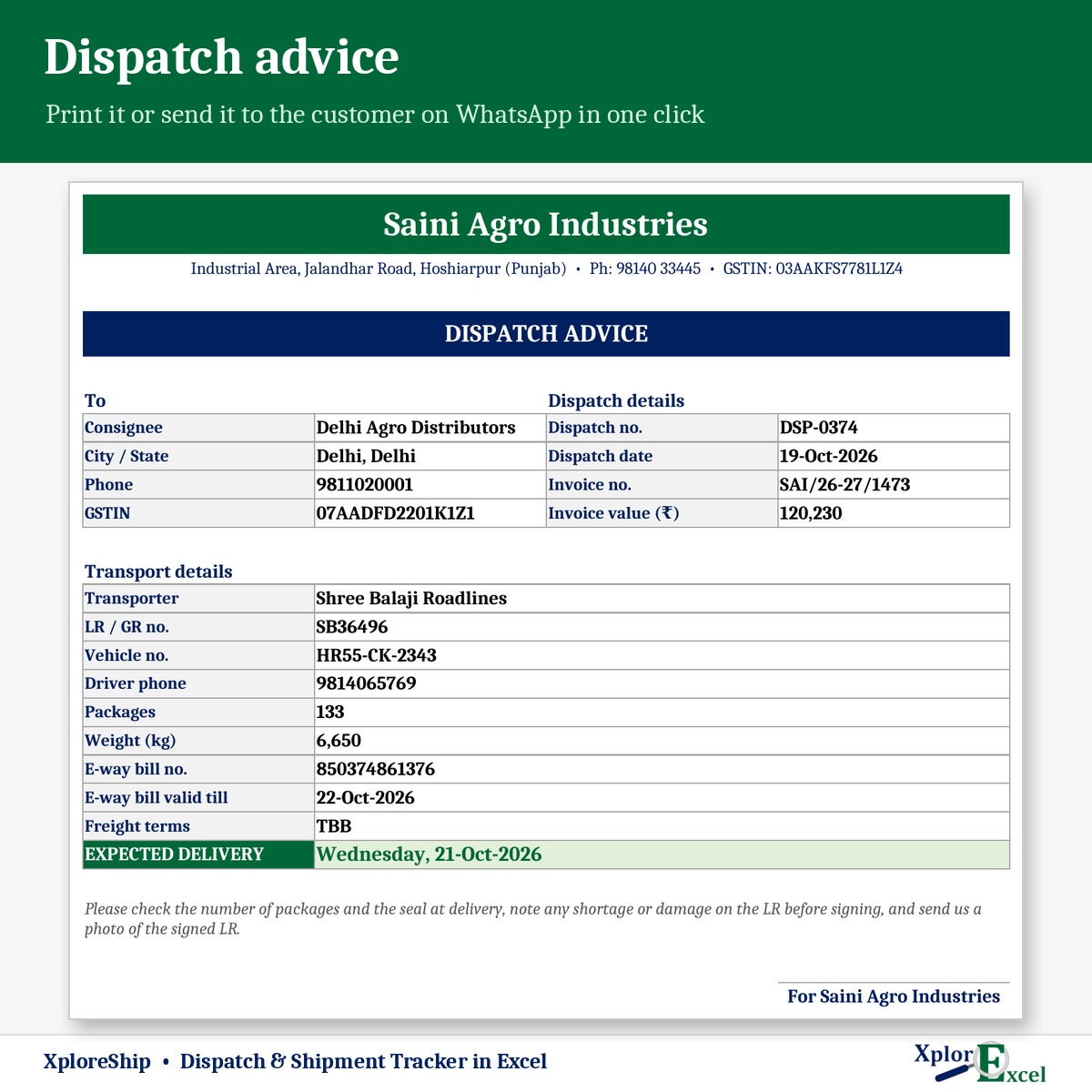
- Print a dispatch advice for the customer, or send it on WhatsApp, with LR, vehicle, e-way bill and expected delivery.
- Work the POD pending list, oldest first, with a WhatsApp reminder to the transporter.
- Read the transporter report: on-time %, average days taken, freight as % of invoice value, claims, freight payable, paid (including TDS) and balance due.
Features
- Consignees: up to 500 customers with city, state, GSTIN, distance and usual transit days. Each one shows its own on-time %, average days taken and last dispatch.
- Transporters: up to 30, with phone and credit days.
- Freight terms: Paid by us, TBB or To pay. Only freight you owe counts in the transporter balance.
- Claims for shortage, damage, delay or lost goods, with status, settled amount and days open. Settled claims reduce the transporter’s balance.
- Monthly report and dashboard: shipments, invoice value, freight and freight %, on-time %, what is late now, e-way bill alerts, PODs pending, freight due and open claims.
- Built-in checks flag missing consignees or transporters, a delivery date before dispatch, a POD without a delivery date, and a missing e-way bill on high-value invoices.
- Up to 3,000 shipments a year.
What you get
- XploreShip 1.0 – Blank (Start Here).xlsx
- XploreShip 1.0 – Sample Data (Demo).xlsx: 6 transporters, 20 consignees and 377 shipments, April to October 2026
- A built-in How to Use sheet and a README
The e-way bill valid-till date is a reminder based on distance (200 km a day for normal cargo, counted from the dispatch date). The GST e-way bill portal is the final word on validity and extensions.
Requirements
Microsoft Excel 2016 or later on Windows. On a Mac, everything works except the WhatsApp buttons. It has no macros and works offline. Use one file per financial year.


Reviews
There are no reviews yet.