Archives

Categories

  • No categories

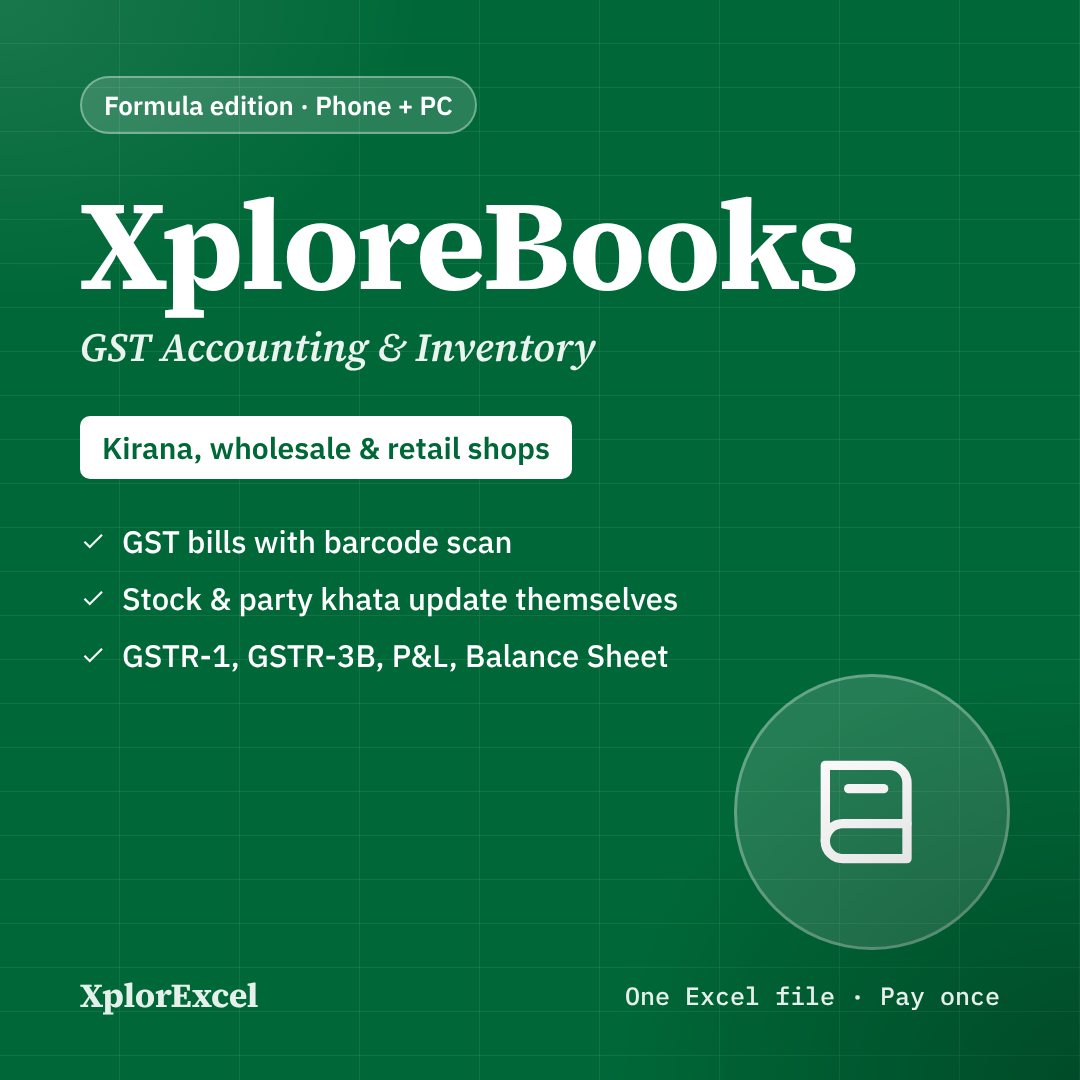
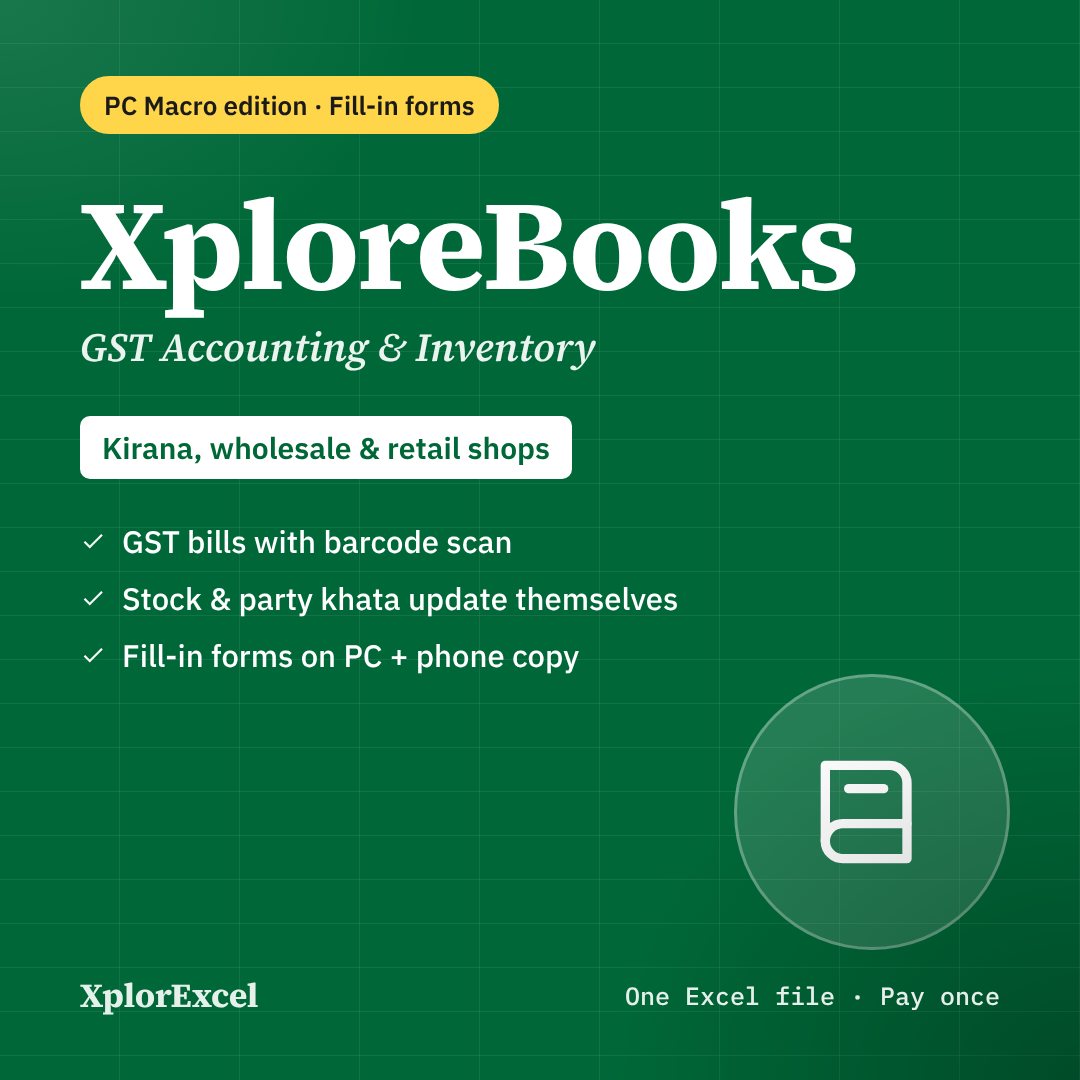
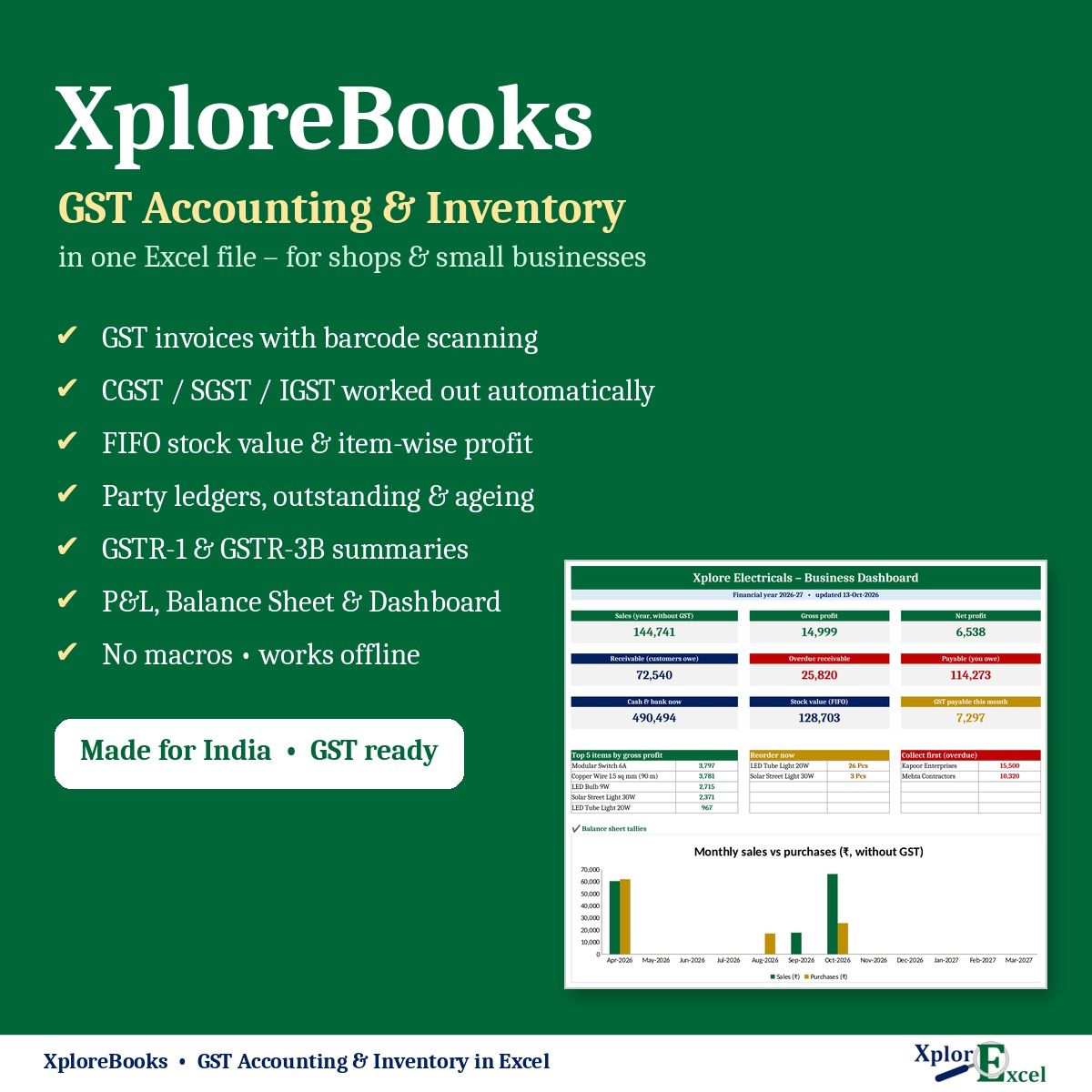
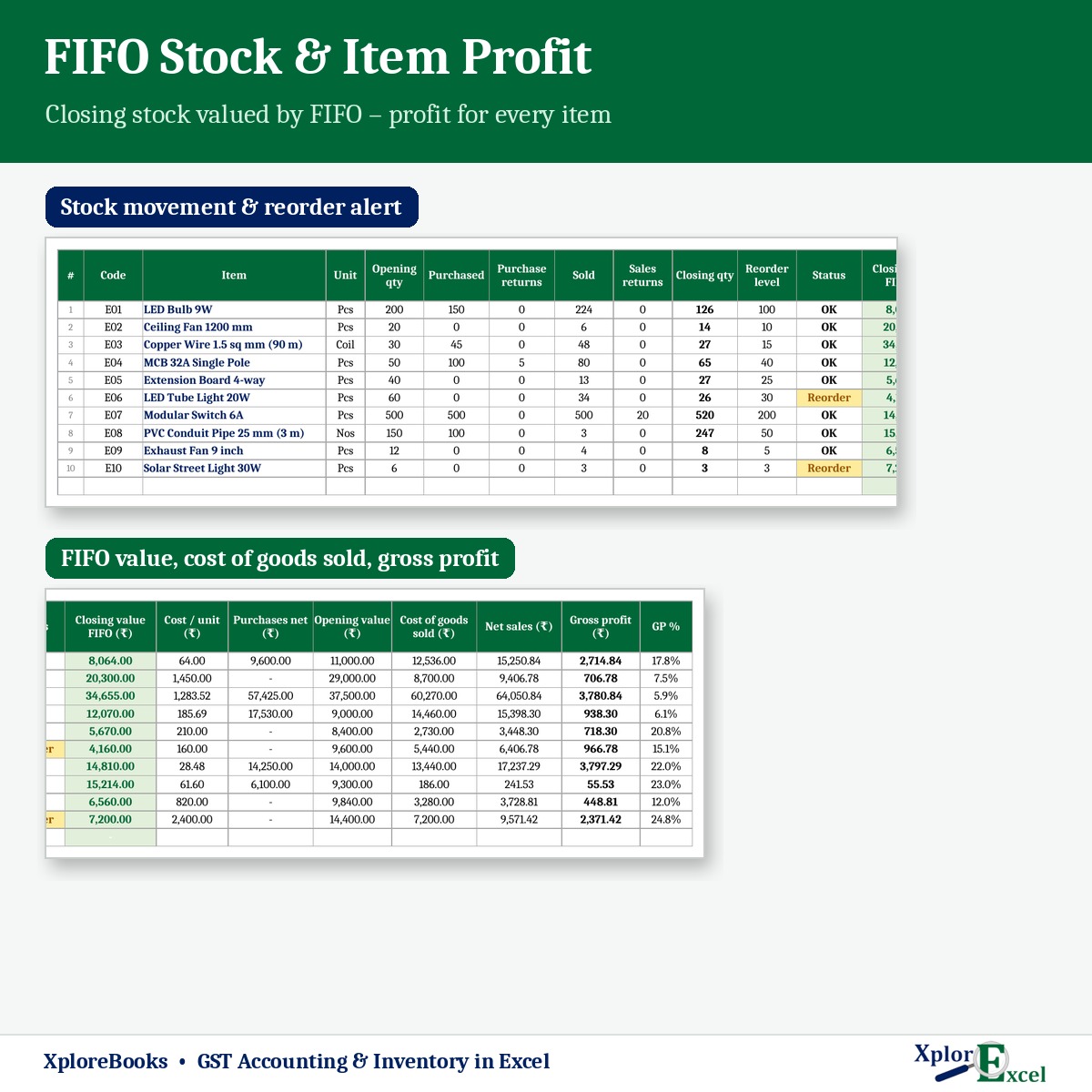
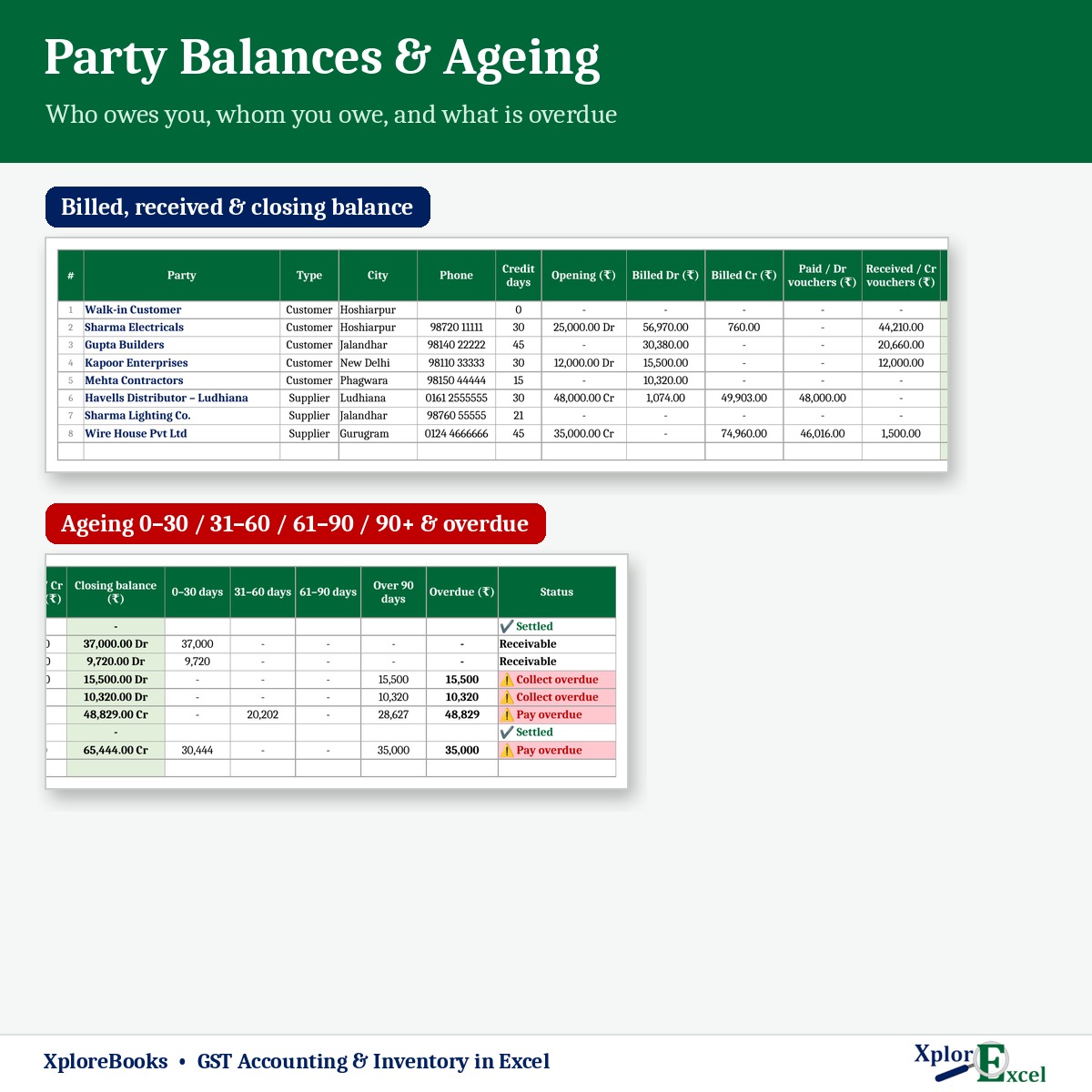
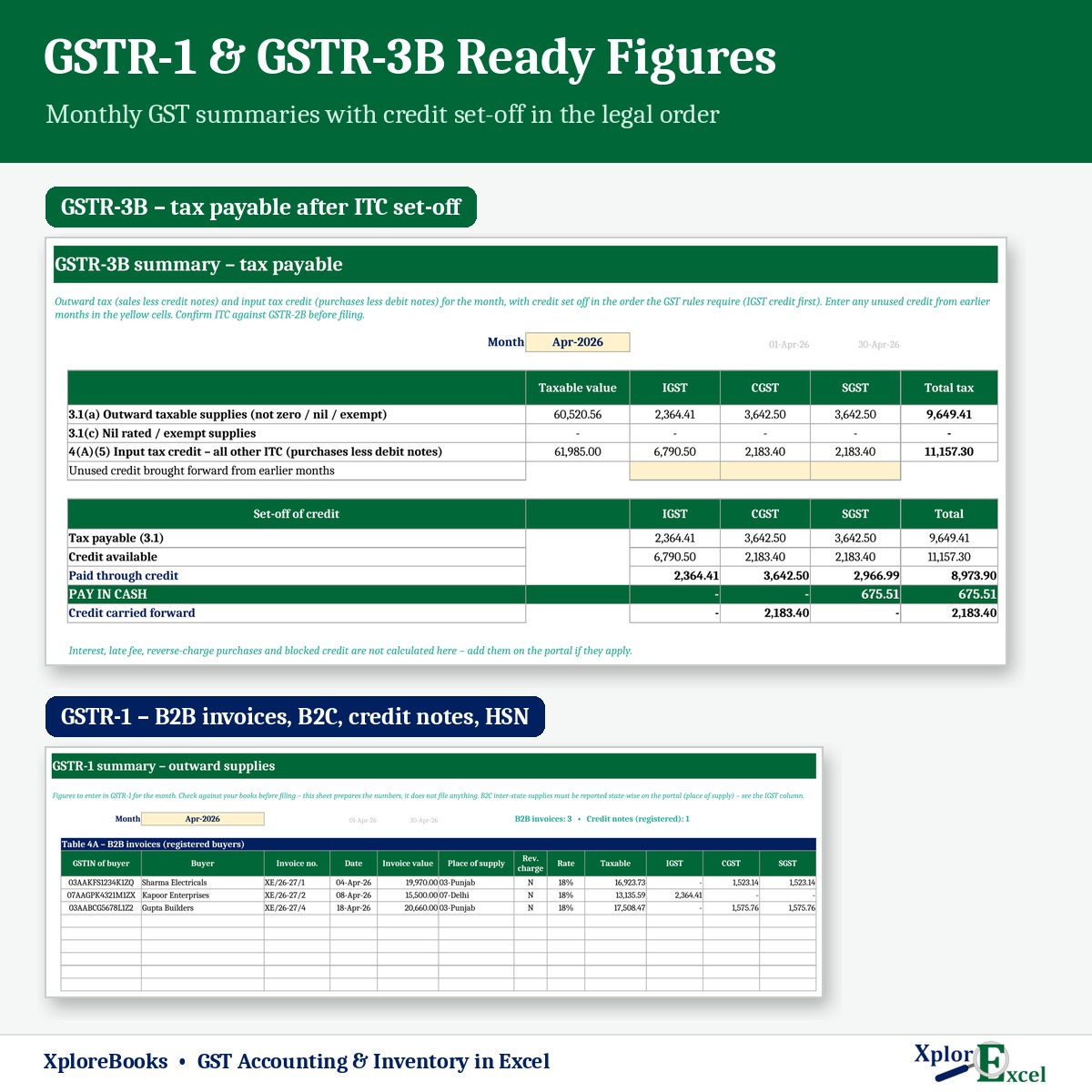
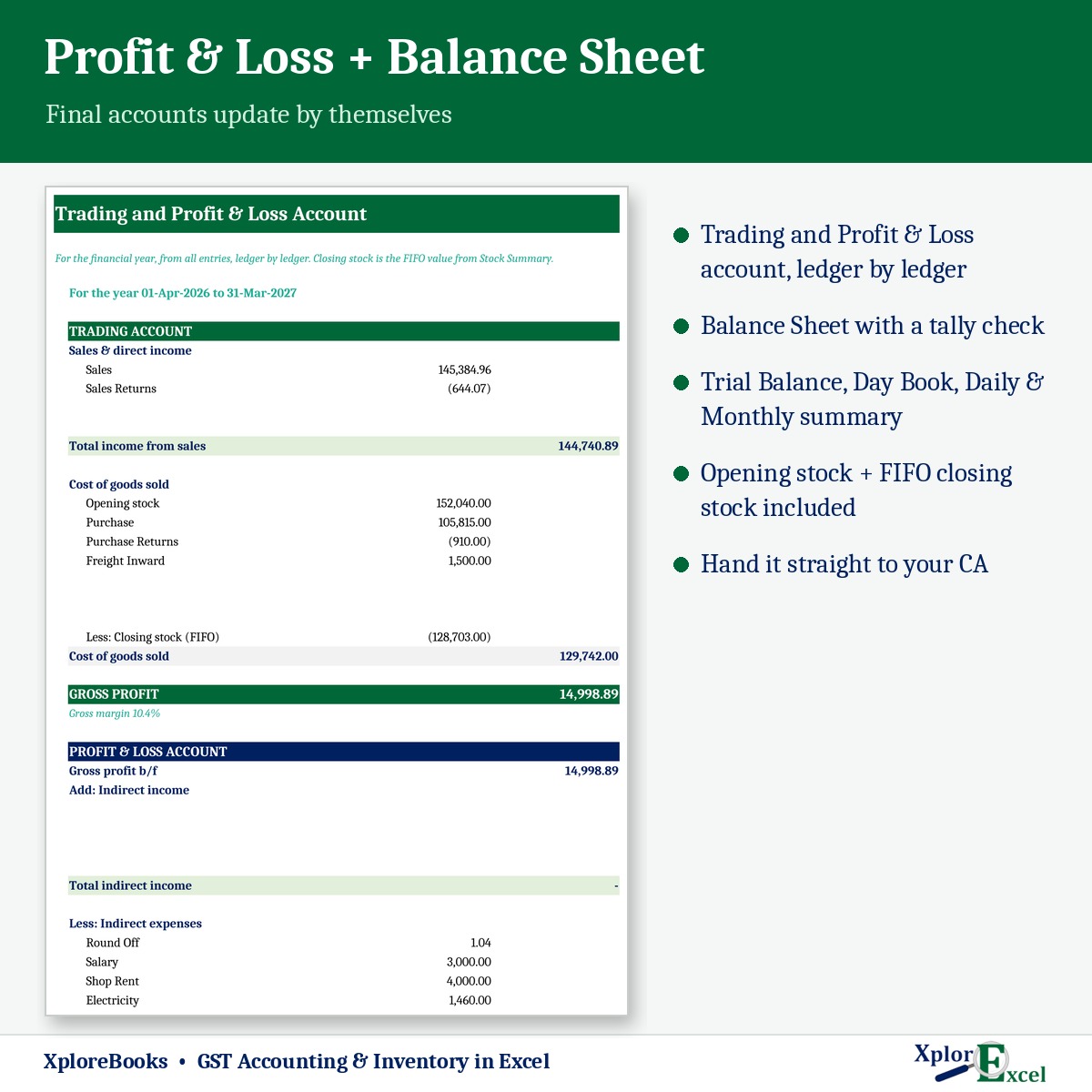
XploreBooks PC Macro Edition – GST Accounting & Inventory in Excel with Entry Forms & One-click New Year

₹799.00

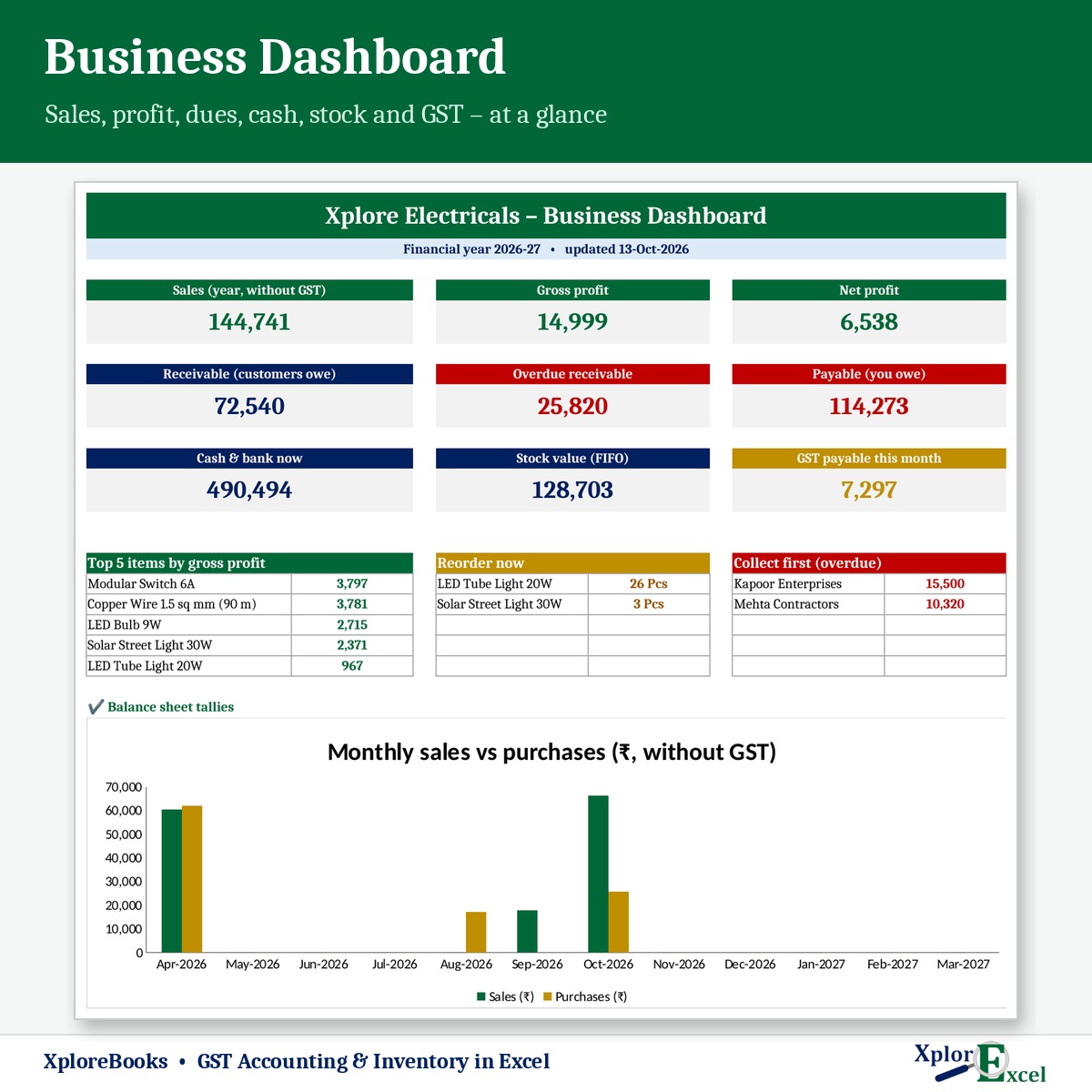
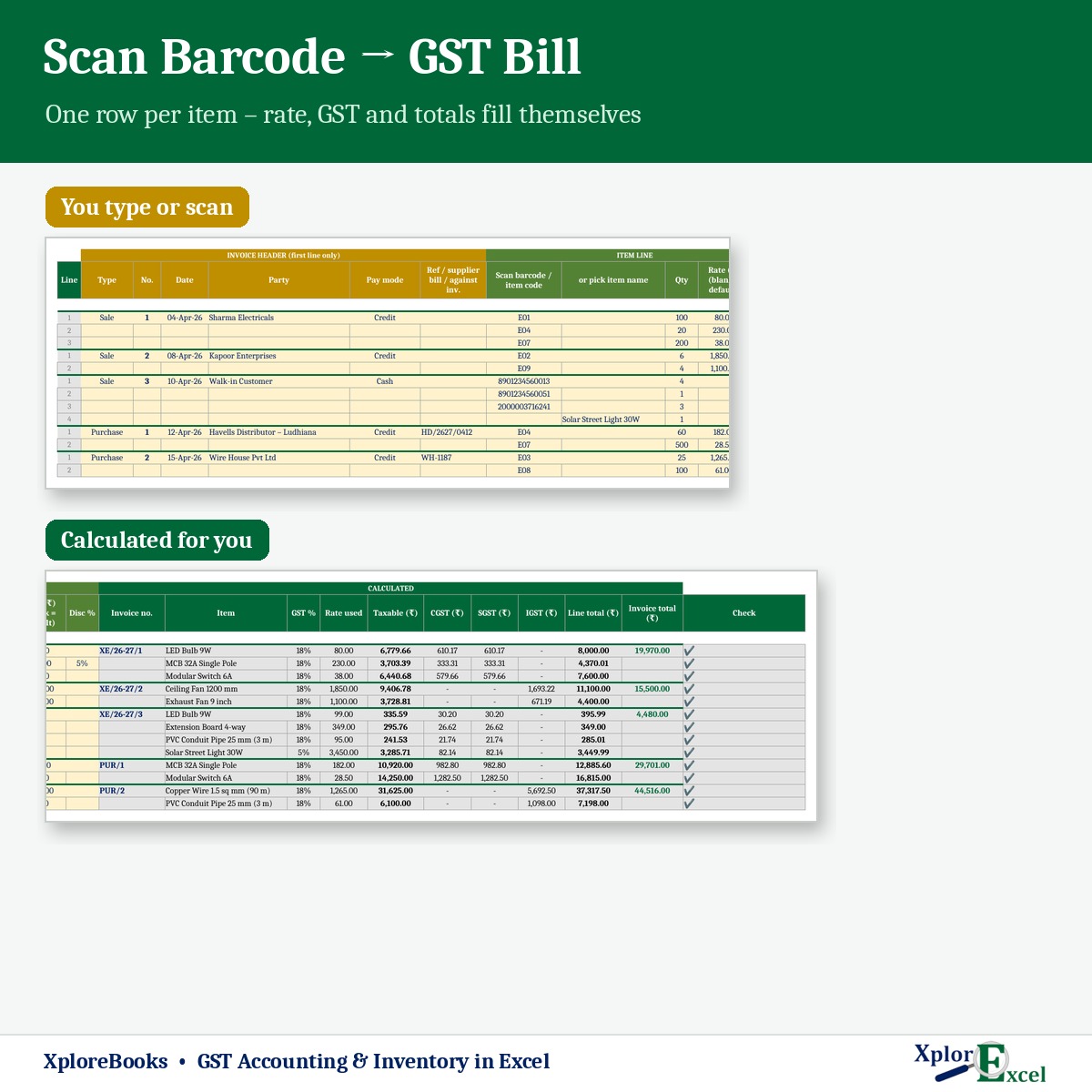
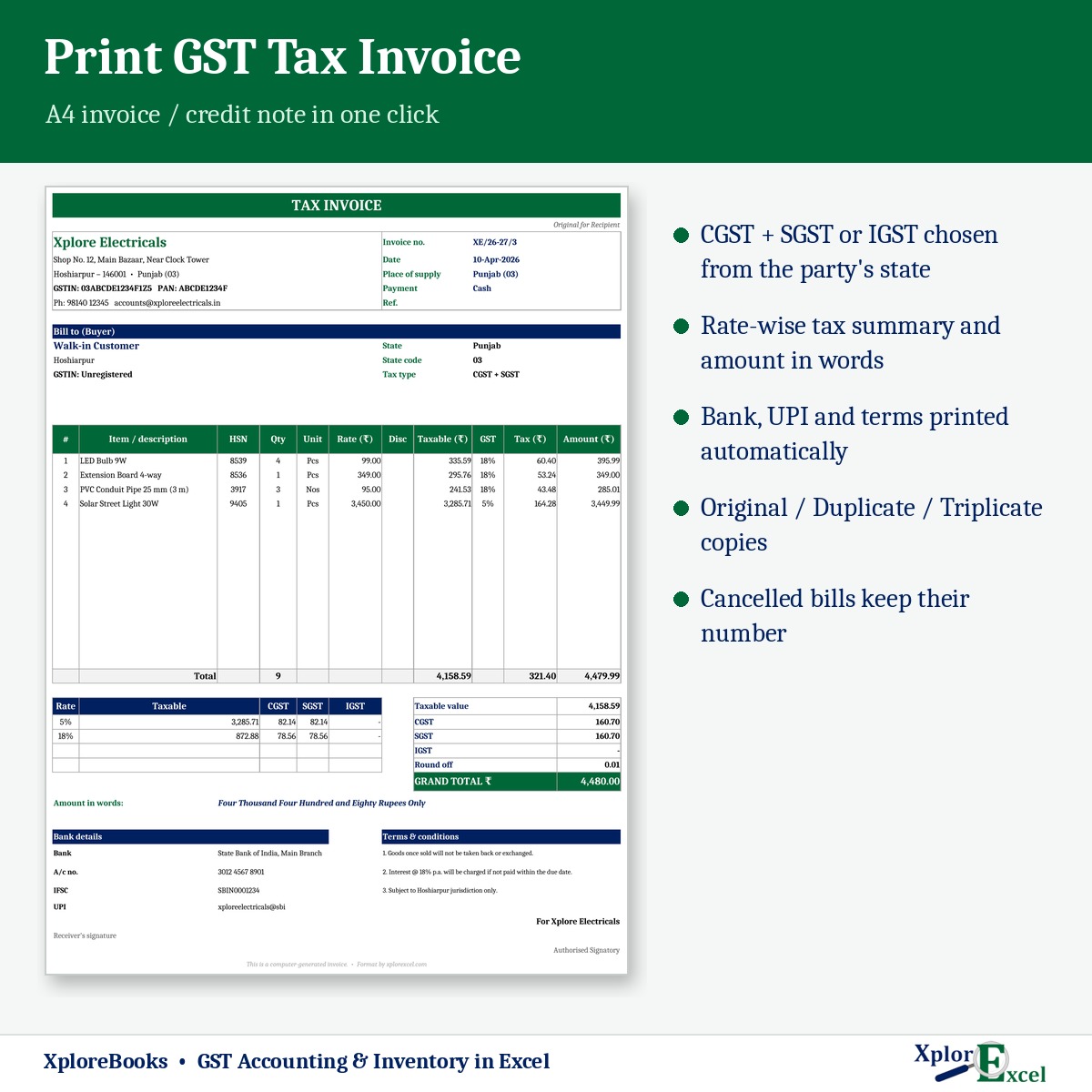
Everything in XploreBooks, plus easy fill-in forms with buttons on Windows Excel, one-click print / PDF, and Start new year: closes the books and makes next year’s file with all opening balances. Includes a formula-only copy for the Excel phone app. One-time payment, instant download, lifetime access.

See XploreBooks in detail — screenshots, plans & FAQ →

Choose your edition

Excel EditionFormulas only. Works in Excel on PC and on the Excel phone app.₹499.00
PC Macro EditionFill-in forms, print and PDF buttons. Needs Excel on Windows.₹799.00
↓ Instant download Link appears the moment payment clears
🔒 Secure payment Cashfree · UPI, cards, netbanking, wallets
∞ Lifetime access Yours to keep, re-download any time
▣ Real .xlsx files Excel 2016, 2019, 2021 and Microsoft 365

Built and tested by XplorExcel — the same team behind the free Excel practice worksheets. No subscription. No address needed — this is a digital download.

Category:

Needs: Microsoft Excel on Windows (2016, 2019, 2021 or Microsoft 365) for the forms and buttons. The included .xlsx copy works on the Excel app for Android and iPhone.

Inside the download: Blank working file (.xlsm), Sample Data demo file (.xlsm), formula-only copy (.xlsx) and a start-here guide.

Macros blocked? 1-minute fix

Windows blocks macros in any Excel file downloaded from the internet. It is a Windows safety setting, not a fault in the file, and you fix it once per file.

Video: how to unblock macros in Excel in 1 minute
▶ Watch the 1-minute video

  1. Close Excel. Right-click the downloaded .xlsm file → Properties.
  2. At the bottom of the General tab, tick Unblock.
  3. Click Apply, then OK.
  4. Open the file and click Enable Content on the yellow bar.

Got a ZIP file? Unblock the ZIP first (same steps), then extract it. Every file you extract will open unblocked, so you don’t have to do each one separately.

No Unblock tick box in Properties? The file is already unblocked, so just open it and click Enable Content. Still stuck? Watch the video on YouTube or message me.

Digital file, so no refunds — but if the file doesn’t work for you, we’ll fix it.
Reviews

There are no reviews yet.

Only logged in customers who have purchased this product may leave a review.

Ask for a demo